
Best for
Preparing bending programs away from the machine
Press Brake Upgrade
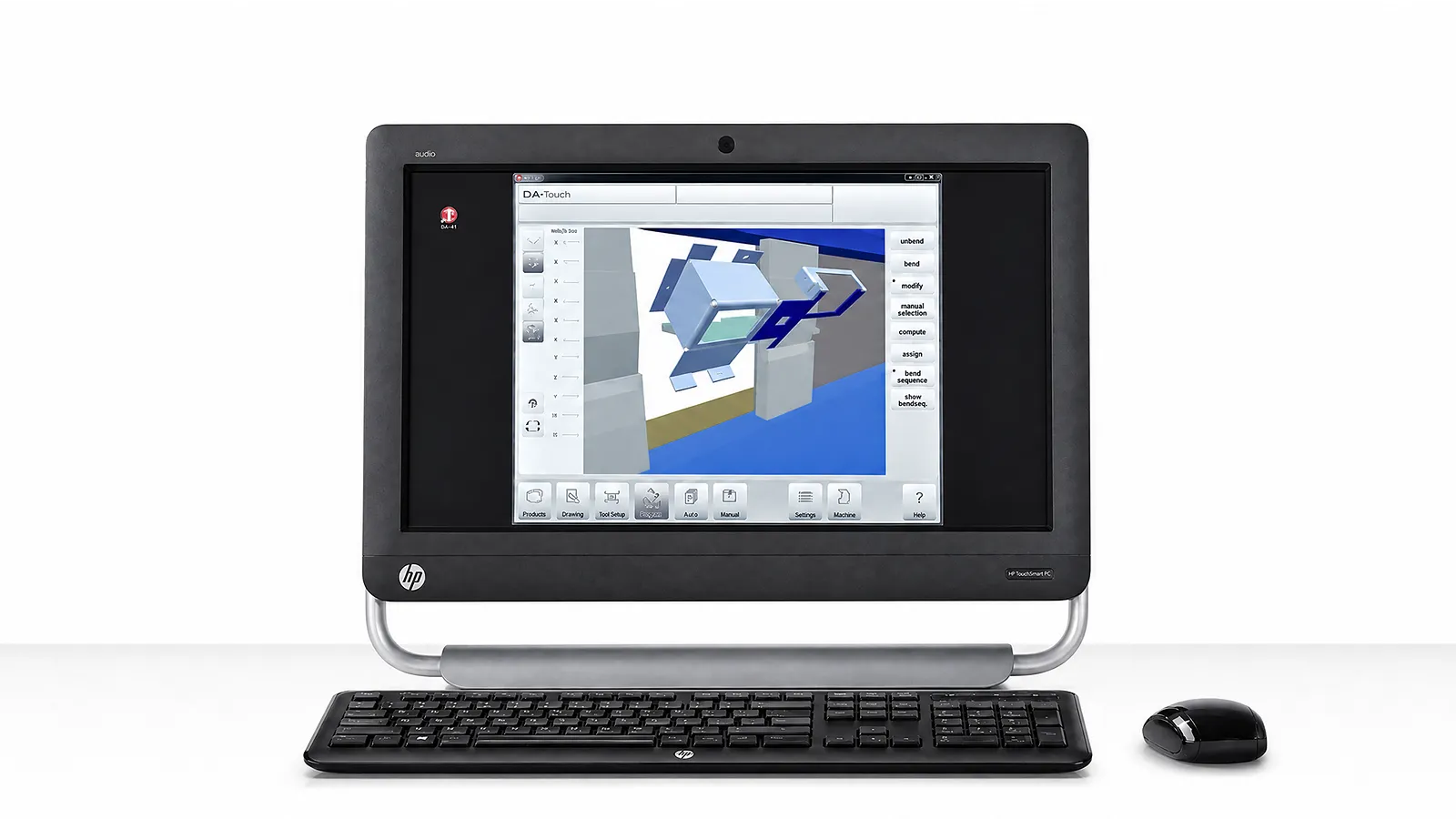
CAD import, unfolding, tooling, bend sequence, collision checks and program transfer must match the controller and production handoff.
Best for
Preparing bending programs away from the machine
Workflow
CAD import to program transfer
Confirm
File formats, controller, tooling data and output
Information Needed
List CAD formats, drawing quality, material/tool libraries, controller and production handoff.
01 / INPUT
List CAD formats, drawing quality, material and tooling libraries available before programming.
02 / PROGRAM
Describe unfolding, tool selection, bend sequence, simulation, collision checks and operator review.
03 / TRANSFER
Check controller, program transfer, revision control, tooling data and acceptance output.
Software workflow
Match the software to your CAD data, tooling library, controller and program-transfer method.
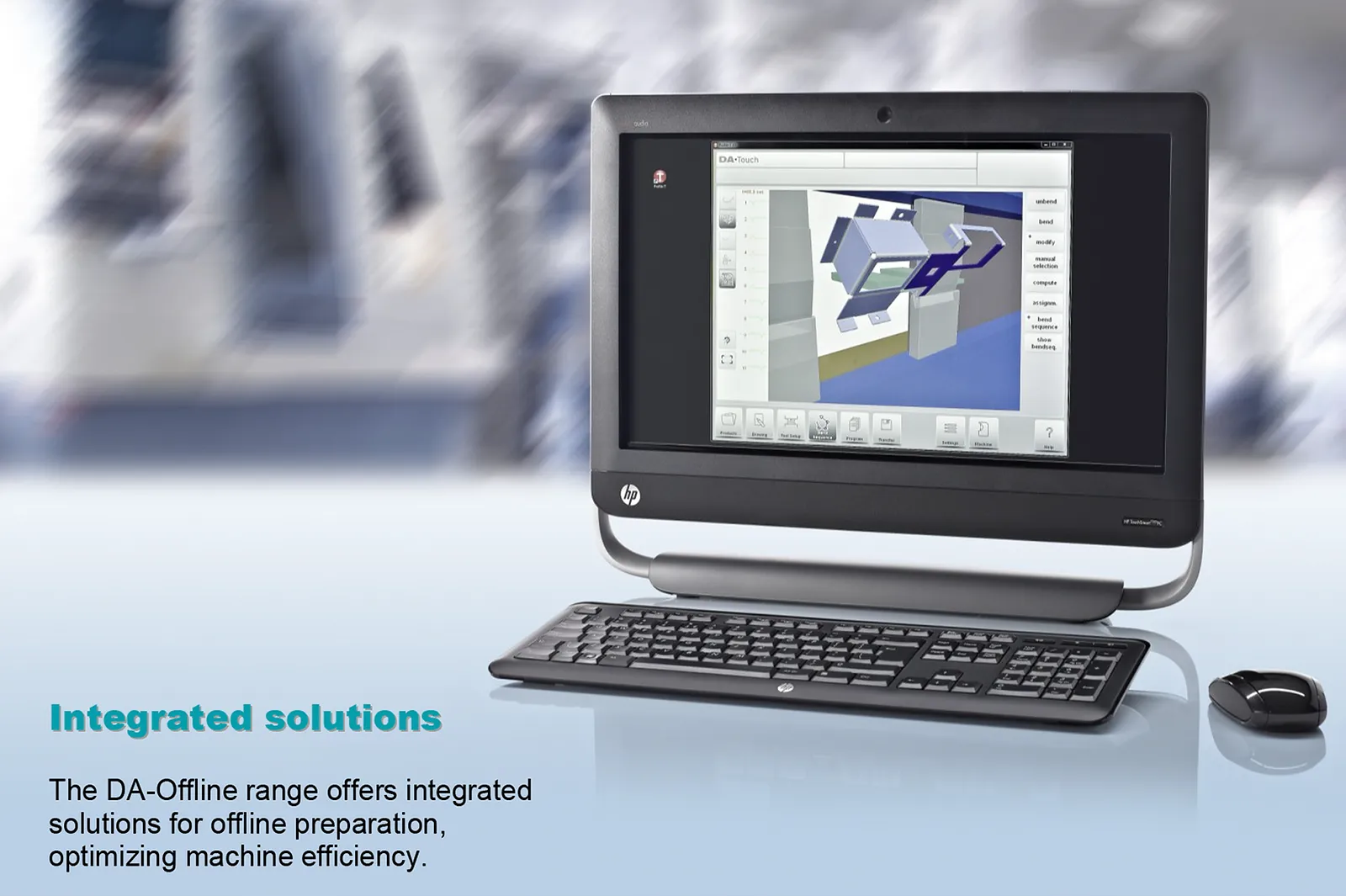
Profile-T2D prepares 2D part programs and tool setups. Profile-T3D adds 3D part programming and simulation. Match the offline licence and the target DA-Touch control software to the installed press.
Profile-T version specifications (PDF) →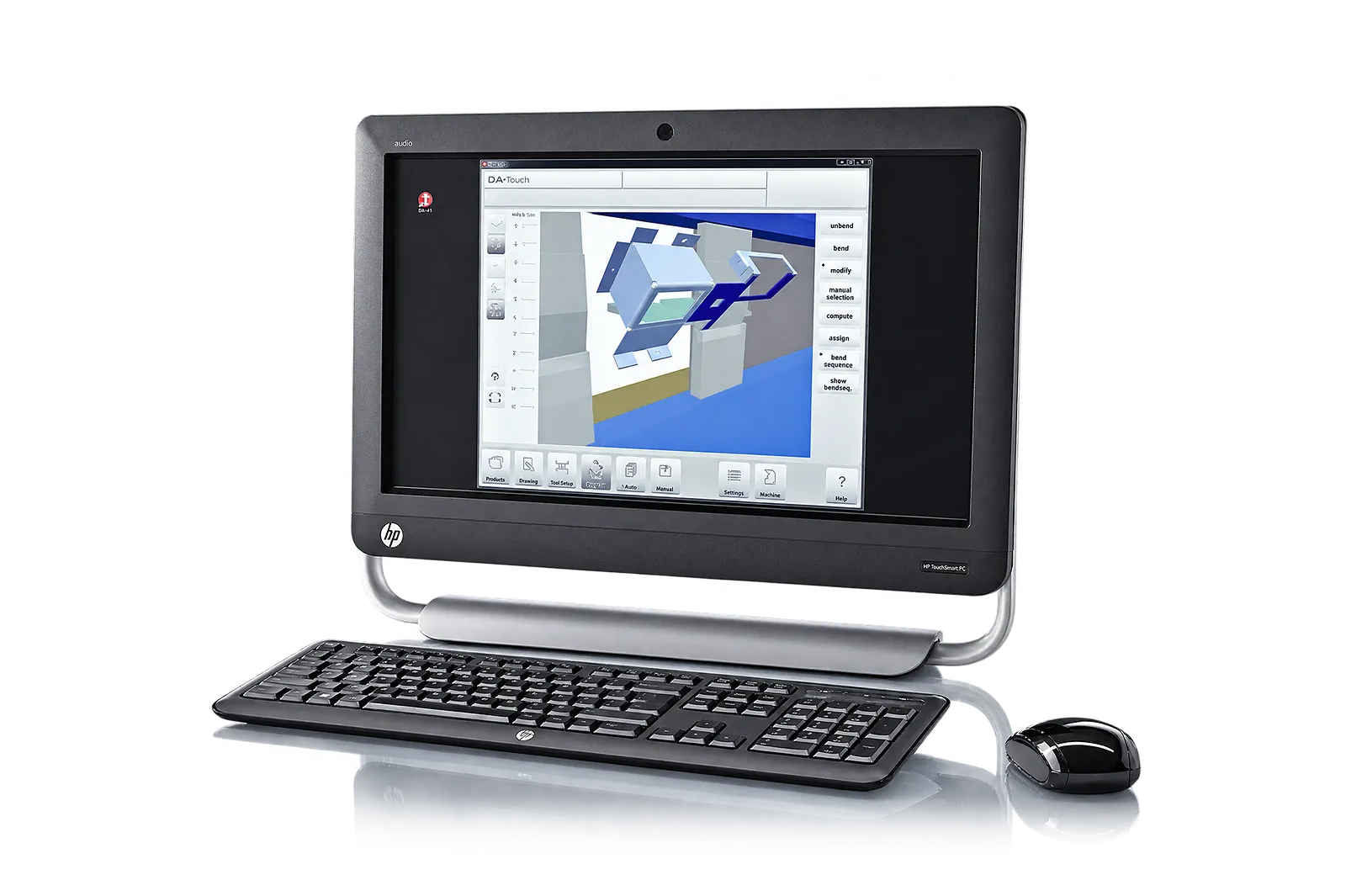
Use the selected edition to prepare the part, assign tools and check the bend sequence. Simulate the machine and tooling that will actually run the job.
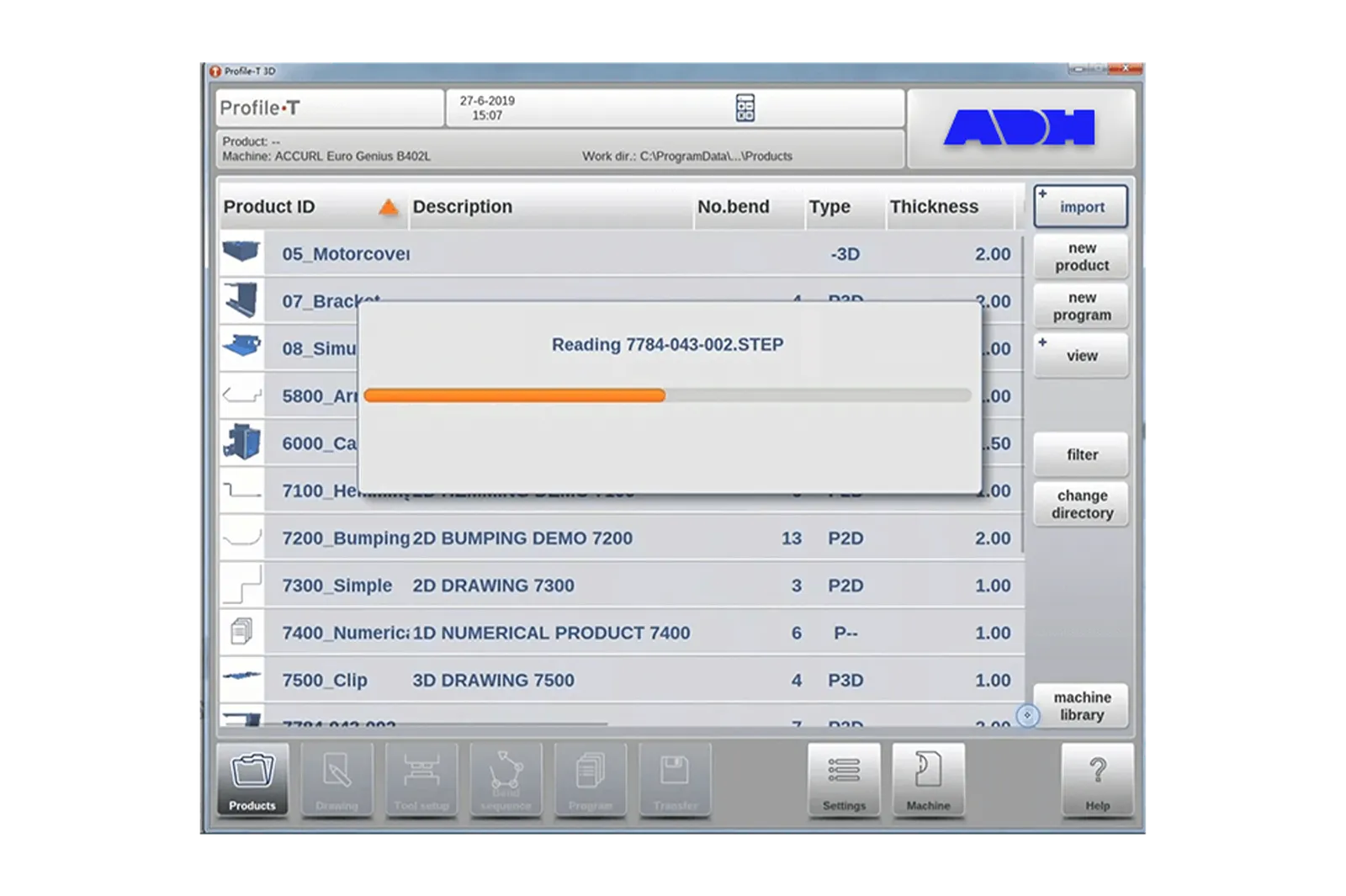
In this Profile-T release, DXF import is a Profile-T3D feature. Identify the source file format, software version, material and bend allowances before importing a representative part.
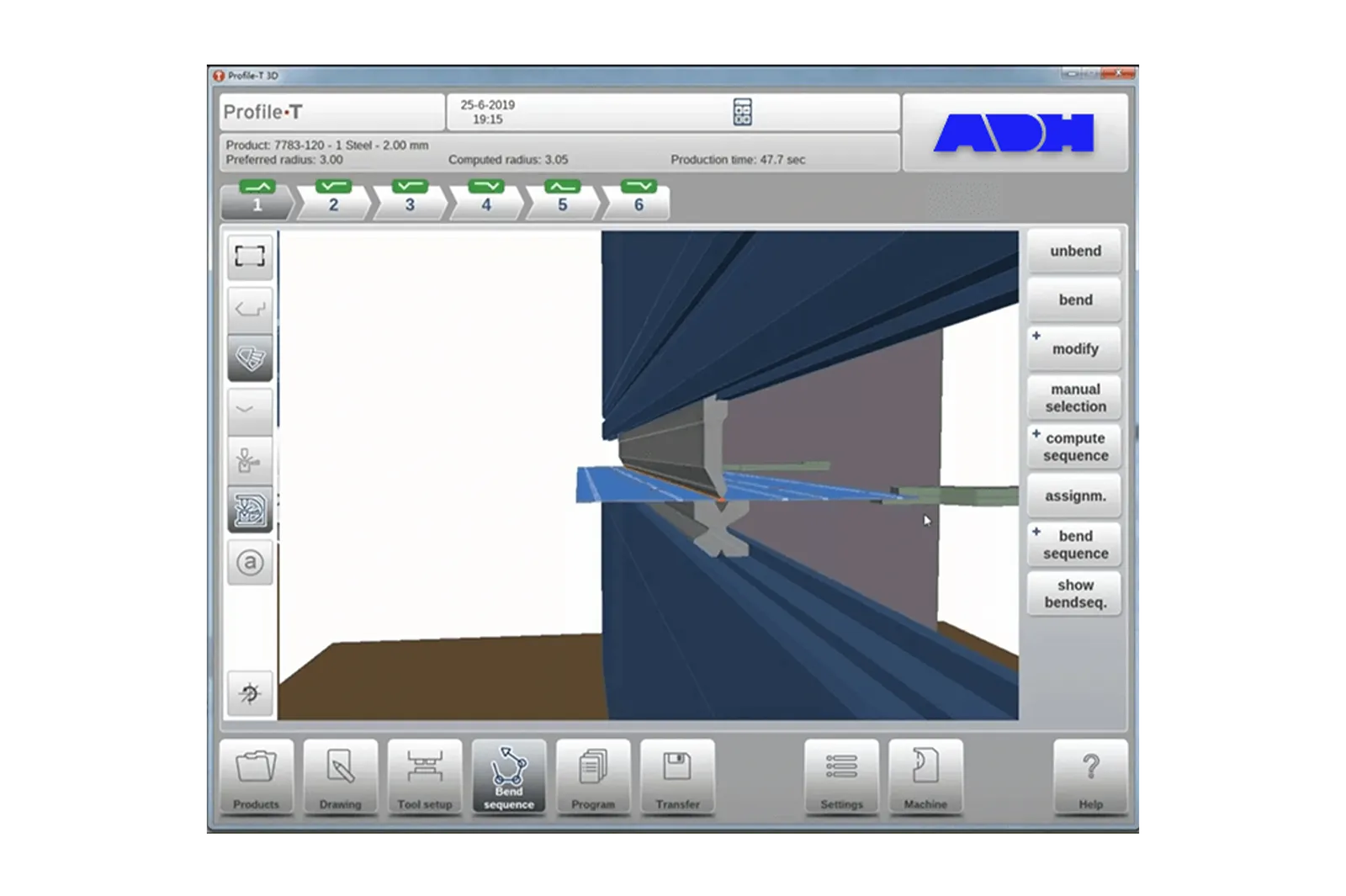
Deliver the part program with its tool setup and revision. Transfer it to the matched controller, then check the first bend on the machine against the drawing.
Before You Order
Compare your source drawing, the offline licence and the target controller. Test the entire handoff with one part, from CAD input and bend sequence to the machine program and first-piece inspection.
Upgrade path
Identify the production problem, check compatibility, then agree installation and acceptance.
STEP 01
Record machine, controller, interfaces, photos, workflow and the production issue to solve.
STEP 02
Connect workpieces, process, operator tasks, output and site conditions to the upgrade.
STEP 03
Review mechanical, electrical, control, software, safety and service interfaces.
STEP 04
Define installation, tests, acceptance, documentation, training and support responsibilities.
Before You Contact ADH
Compatibility depends on controller, licenses, formats, network, machine options and required workflow.
Check formats, controller, tooling libraries, transfer method, version and program output.
Send controller/software version, CAD formats, sample parts, tooling data, current workflow and desired output.
Compare firmware, file exchange, licenses, network, offline functions and machine requirements.
Name software/licenses, interfaces, installation, data transfer, training and service terms.
Project enquiry
Tell us what you want to make or improve. Technical details and drawings can follow.
Contact ADH
Name, email and a short description are enough to begin.