
Repeated fillet seams
For a bracket or frame, locate each part against the same stops. Check the torch approach at both ends of the seam and around clamps.
Robotic welding · Gas-shielded arc welding
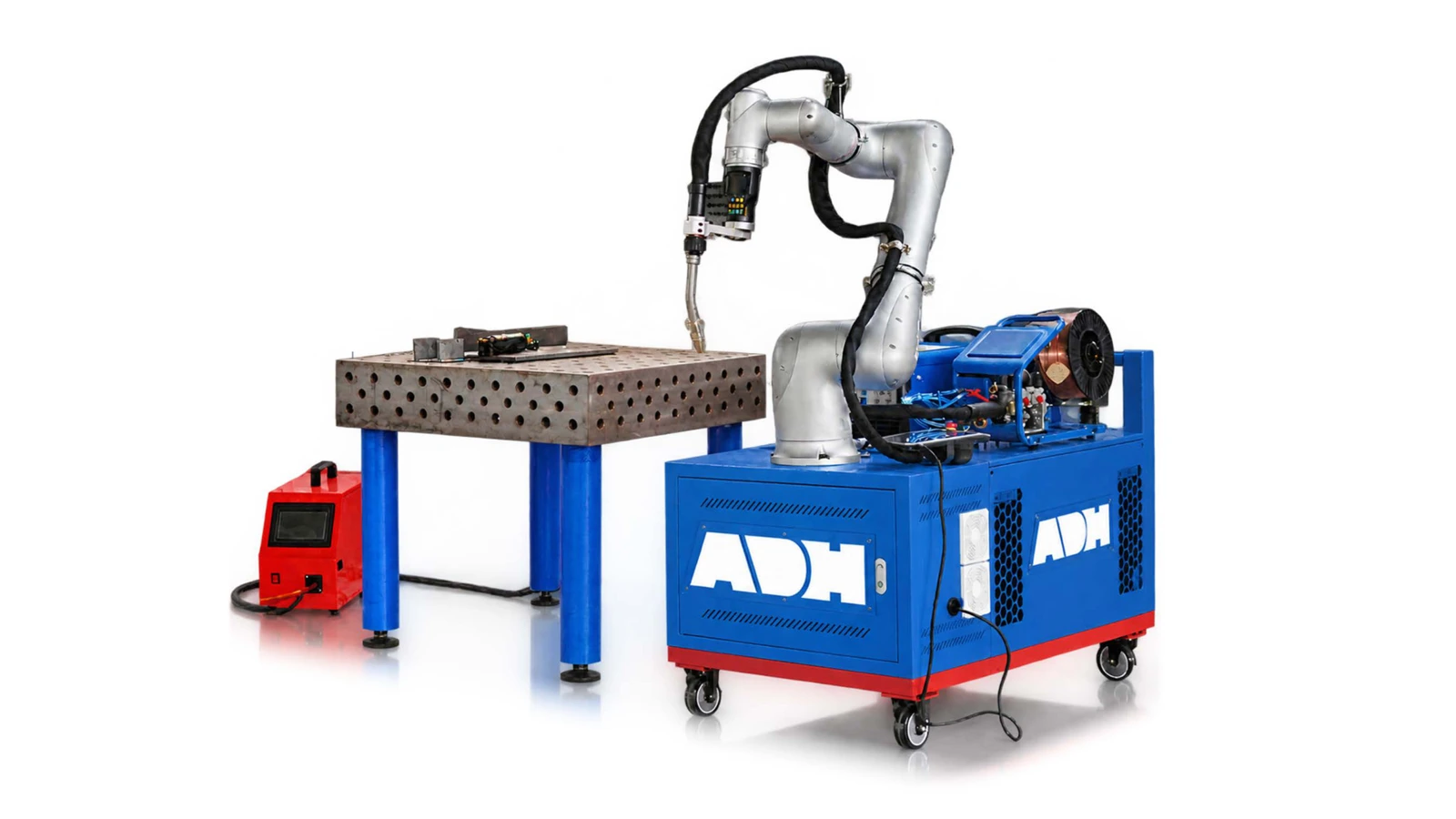
Guide the robot along a seam, then repeat the weld on fixtured parts. The water-cooled, wire-fed torch supports stitch welding and multi-pass joints.
Technical specifications
The welding process, teaching method and torch package define the cell. Arm reach, payload, welding current and duty cycle depend on the arm and power source selected for the job.
| Item | Configuration |
|---|---|
| Welding process | Gas-shielded, wire-fed arc welding |
| Programming | Hand-guided teaching of weld path points |
| Supported sequences | Intermittent welds and multi-layer, multi-pass welds |
| Wire delivery | Dual closed-loop wire feed |
| Torch | Water-cooled neck and cable, dual shielding-gas paths |
| Robot feedback | Joint force sensing for collision detection |
Applications
The fixture locates the joint. The robot repeats the taught path, so joint access and part fit-up matter as much as the arm movement.
For a bracket or frame, locate each part against the same stops. Check the torch approach at both ends of the seam and around clamps.
Teach the start and stop points for each stitch. Use the actual assembly to check weld spacing and distortion after the part cools.
Plan the pass sequence and torch angles so the arm can reach the joint as the groove fills. Inspect the weld against the procedure for that material.
For a family of similar fabrications, locate each variant on the fixture and recall its own program. Check the first seam after each fixture or part change.
Product systems
The hand control, arm and torch each play a different role in repeating the welding procedure.
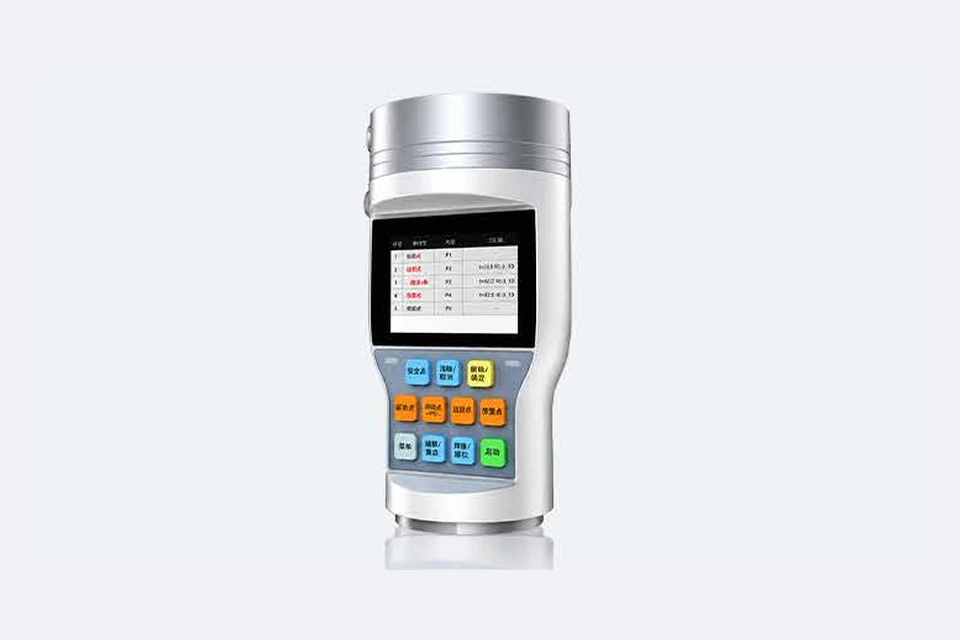
The operator guides the arm to record positions along the joint. Physical buttons on the protected teaching handle let the operator record points while watching torch access. A dry run reveals clashes before the arc starts.
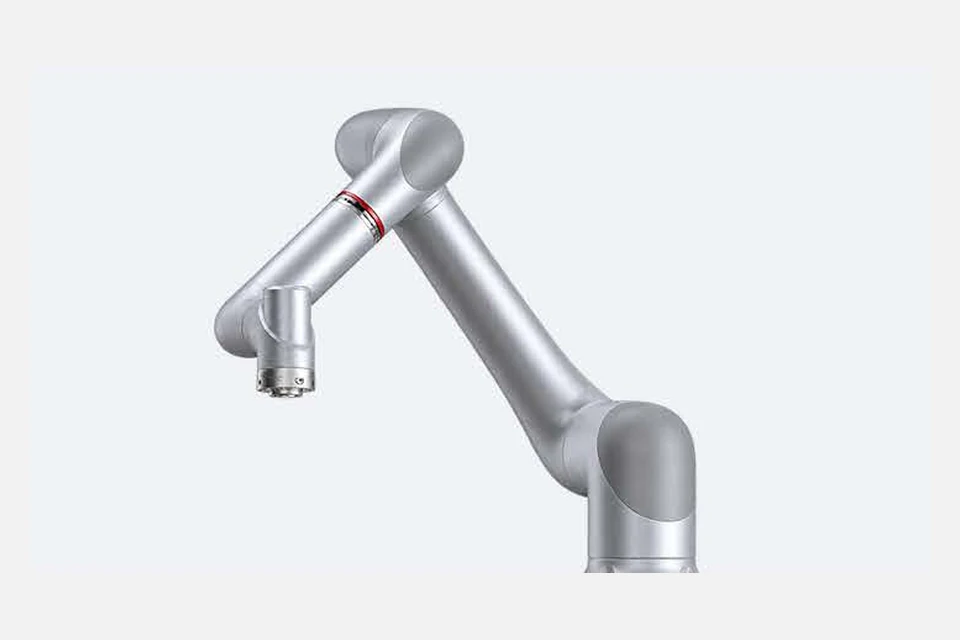
Low-speed motion control and vibration suppression steady the arm through a weld. Joint force sensing supports collision detection. The cell layout must also address the arc, fumes, hot workpieces and access for loading.
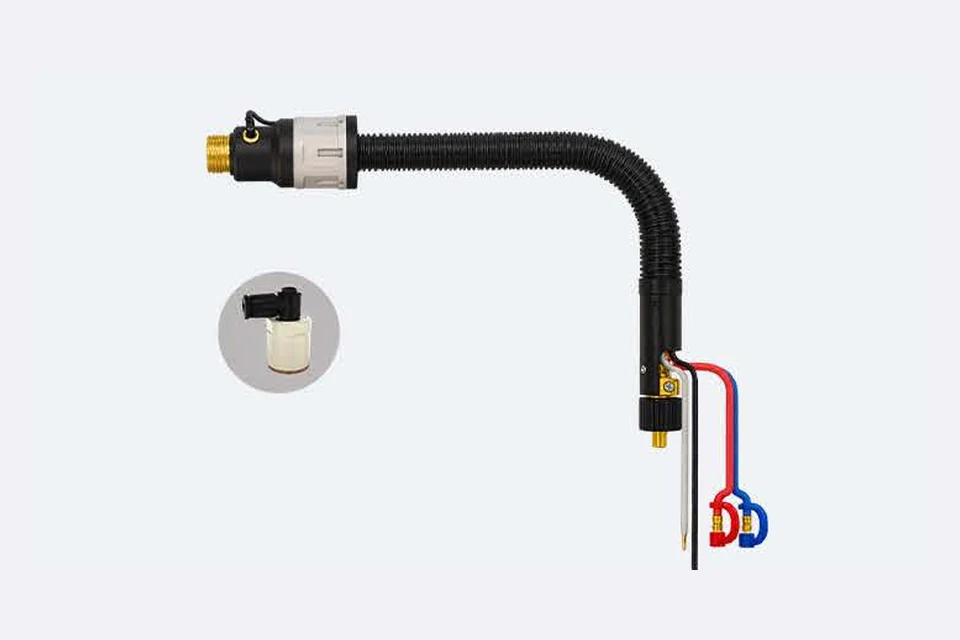
The torch has a water-cooled neck and cable. Two shielding-gas paths mix at the nozzle and the wire feeder regulates delivery. Match the wire, gas and power source to the welding procedure and required duty cycle.
Configuration
Check every seam and torch orientation on the fixture, including access for tacking, loading and part removal. Include torch and cable loads.
Specify base material, joint preparation, wire, gas and weld acceptance criteria. Identify any seam-tracking requirement for the selected package.
Define arc screening, extraction, access control and restart with the plant team. Trial the part with the production fixture and welding settings.
Through the machine lifecycle
Find the training, maintenance guidance and parts support your team needs. Services and availability are confirmed for your machine and location.
Before start-up
Prepare utilities, lifting and the installation area, then coordinate start-up and handover.
Review installation supportBefore production
Build the operator, programming and maintenance skills required for your delivered machine.
Explore trainingIn operation
Get support with the machine model, serial number and a clear description of the issue.
Request technical supportPlanned spares
Identify your machine and component so our team can check compatibility and availability.
Request service or partsSelf-service
Find video guidance for operating and maintaining your ADH machine. Check relevance to your model and configuration.
Browse support videosContract scope
Your quotation or contract defines included services, warranty, exclusions and responsibilities.
Review service scopeProject enquiry
Tell us what you want to make or improve. Technical details and drawings can follow.
Contact ADH
Name, email and a short description are enough to begin.