
01
Sheet and tube envelopes
Provide dimensions, materials, thickness/wall, weights, lengths, profiles and workload split.
Enclosed Sheet and Tube Cutting | ULET
Sheet and tube cutting in an enclosed platform, with coordinated guarding, extraction and process control.
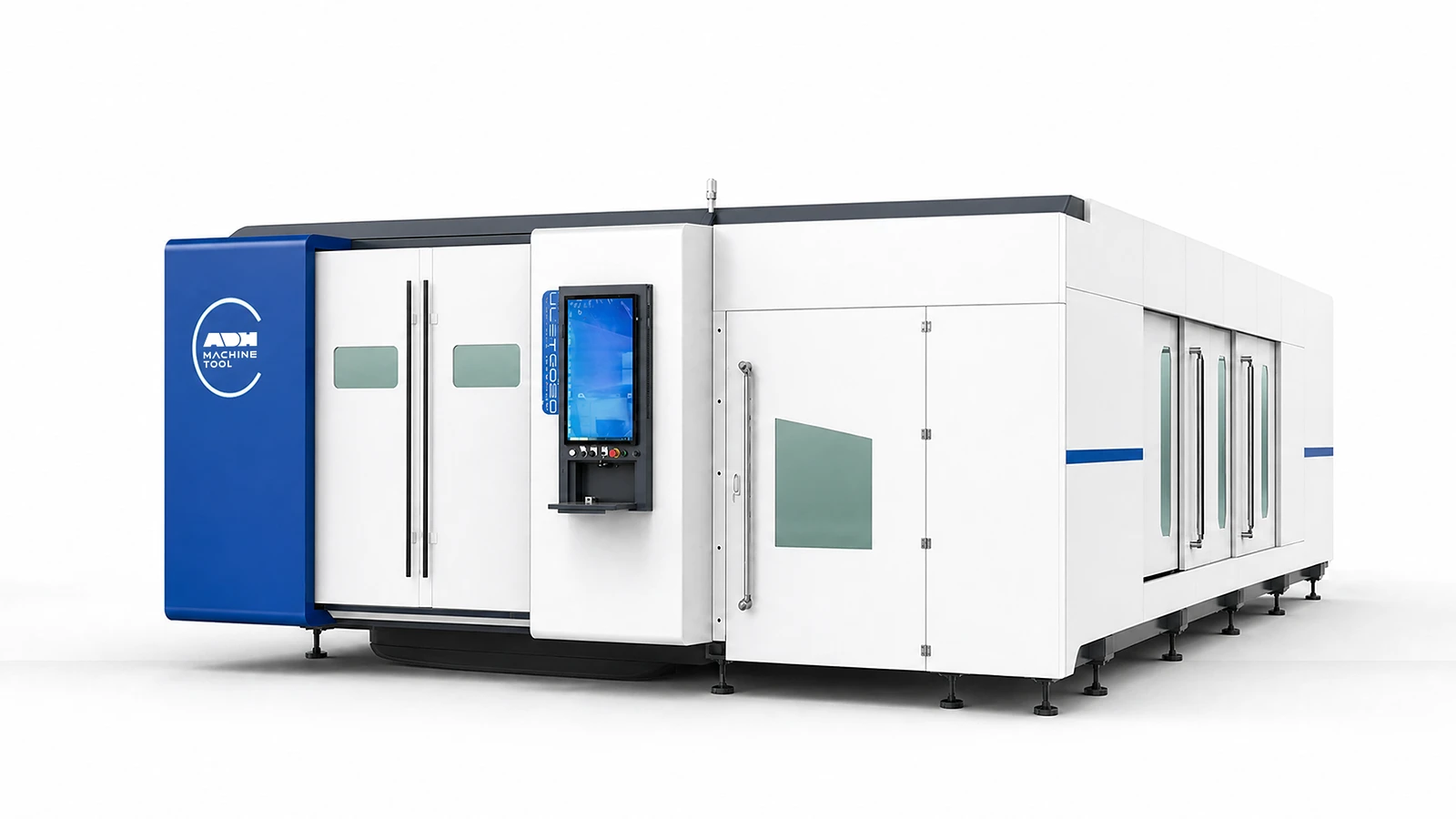
Technical specifications
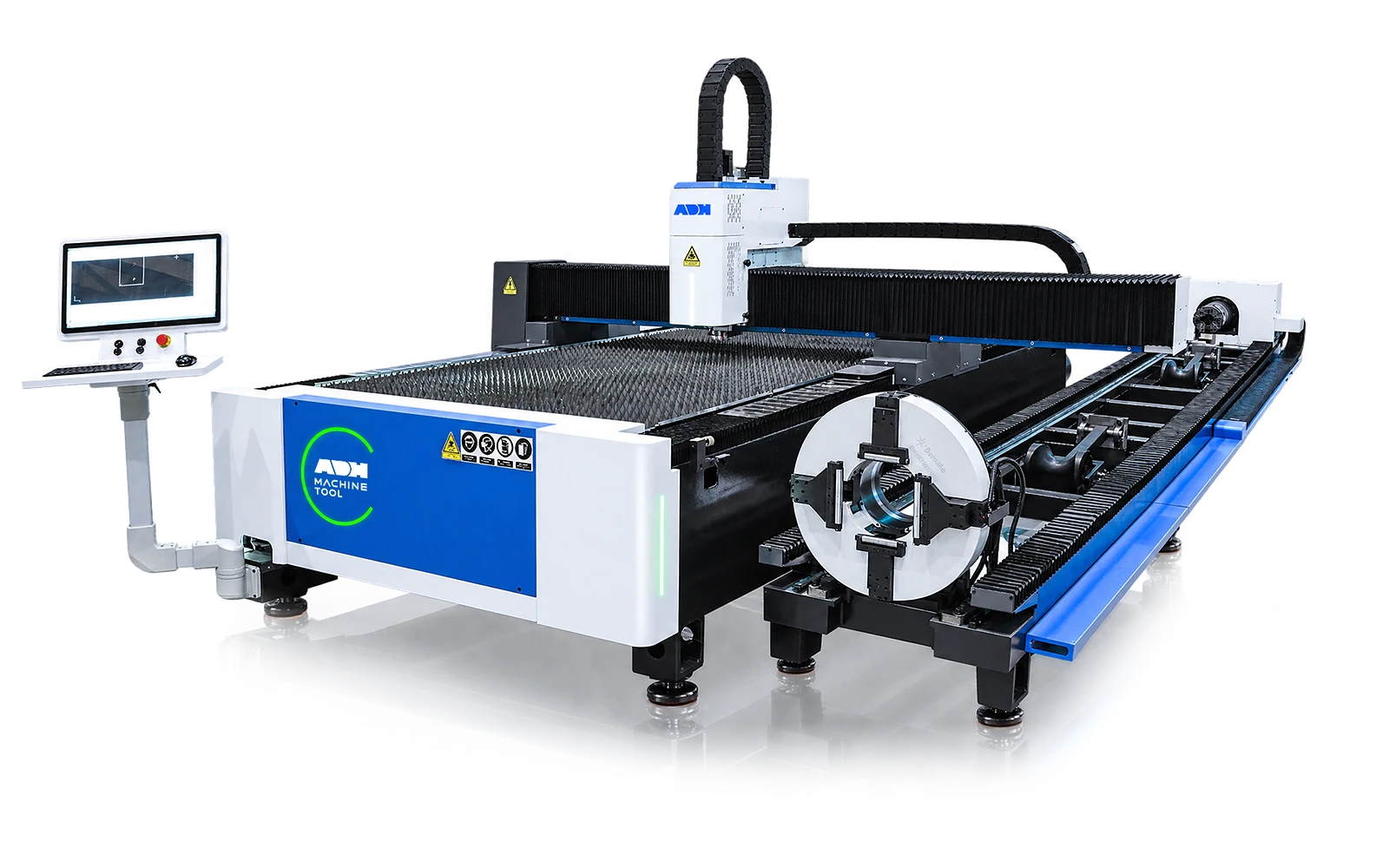
ULET combines an enclosed sheet-cutting area with a tube station. Tube configurations offer a 220 or 350 mm chuck and nominal stock lengths of 6, 9 or 12 m. Match the sheet format, enclosure access and extraction to the sheet route, and reserve loading and support space for the longest tube.
| Series | Laser Power | Working Range | Chuck | Tube Length | Max Movement Speed | Max Acceleration | Positioning Accuracy | Repeatability | Working Voltage / Frequency (V, Hz) | Cooling Method | Source Scope |
|---|---|---|---|---|---|---|---|---|---|---|---|
| Unit | kW | m | mm | m | m/min | g | mm | mm | |||
| ULET family | 1.5 - 40 | 3*1.5 /4*1.5 / 6*1.5 / 4*2 / 6*2 6 / 8 / 12.5*2.6 | Φ 220/350 | 6/9/12 | 140 | 1-1.5 | ≤ ± 0.03 | ≤ ± 0.02 | Three-phase AC380V, 50 Hz | Water cooling | Family-level source only; values do not define one model configuration. |
Enclosed-system inputs
Sheet, tube, access, extraction and operator intervention must be sized together.
01
Provide dimensions, materials, thickness/wall, weights, lengths, profiles and workload split.
02
Define power, gas, focus, edge criteria, tube compensation, remnants and samples.
03
Confirm access monitoring, viewing, protective glazing, extraction zones and local requirements.
04
Record loaders, supports, transfer, storage/sorting, software and data handshakes.
Machine in operation
Watch the enclosed dual-use sequence, then compare the guarded work area, process package and handling systems below.
Watch on YouTube (opens in a new tab)Product systems
ULET combines a guarded cutting area with sheet and tube material paths. Review how loading, mode selection, access monitoring and extraction work in the configured layout.
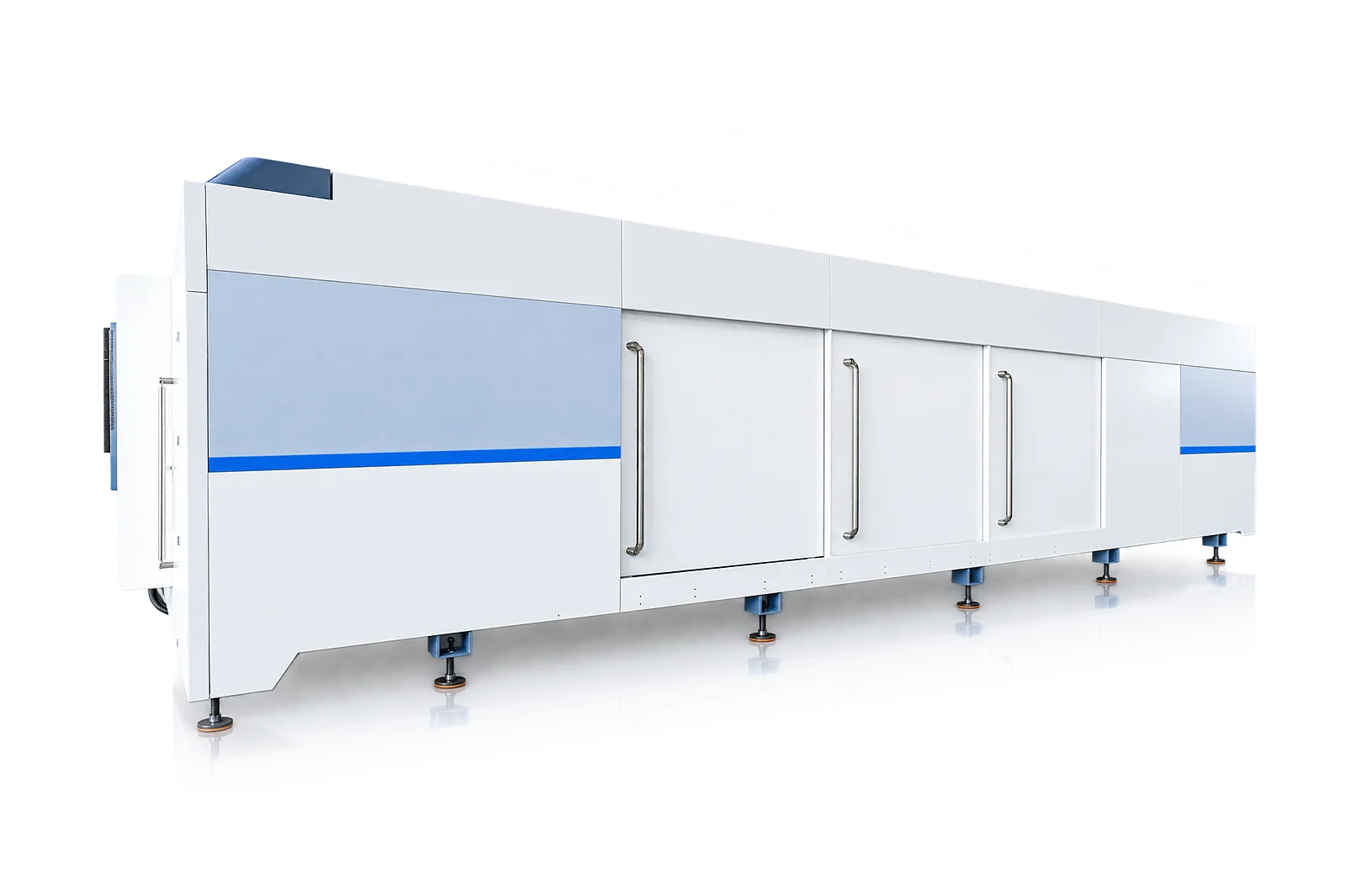
Enclosure
The enclosure separates the processing area from outside access.
Review the cover with the complete operating and extraction arrangement for the site.
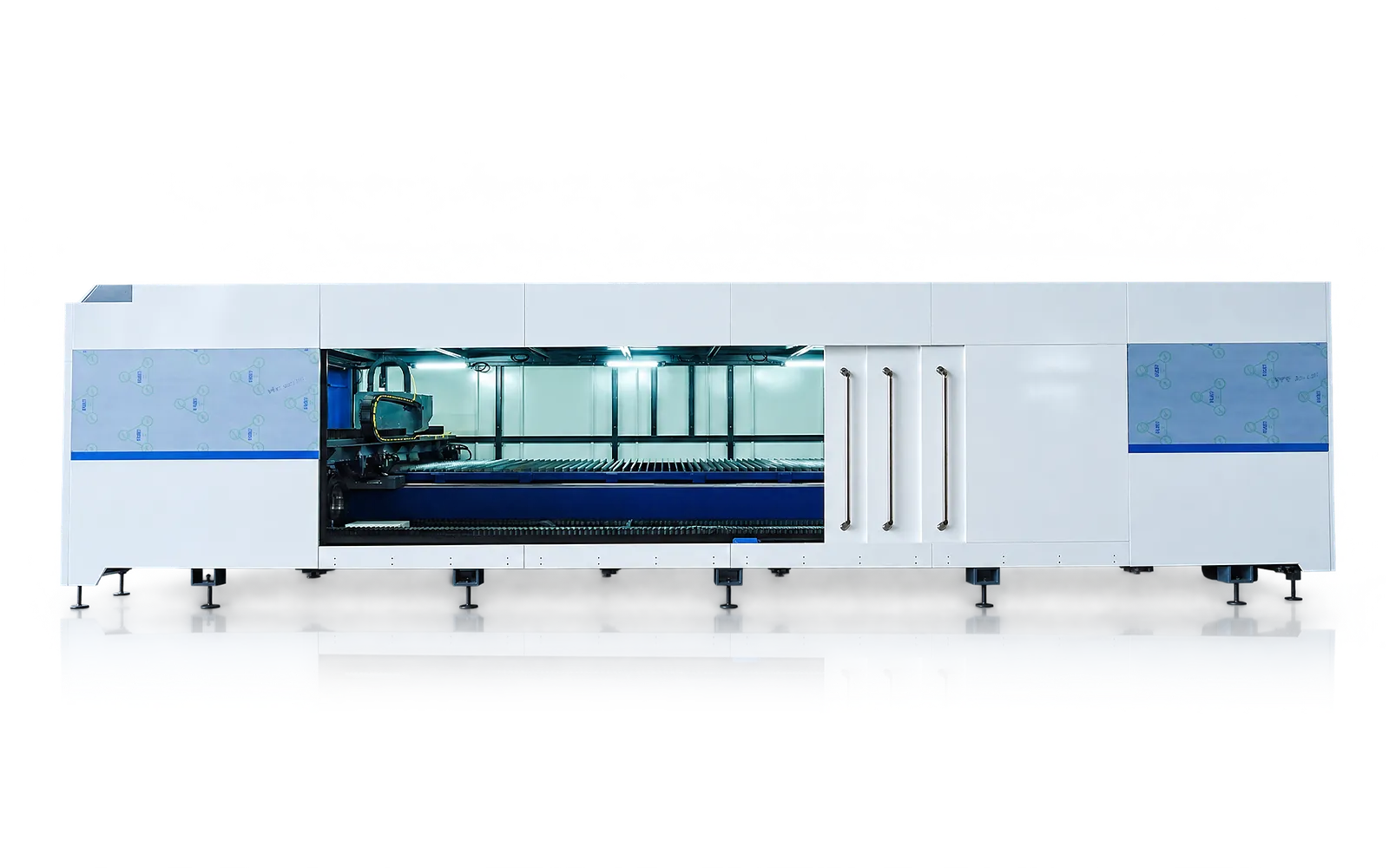
Monitored access
Access monitoring and viewing arrangements are selected as part of the delivered configuration.
Review doors, observation and recovery access with the complete safeguarding arrangement.
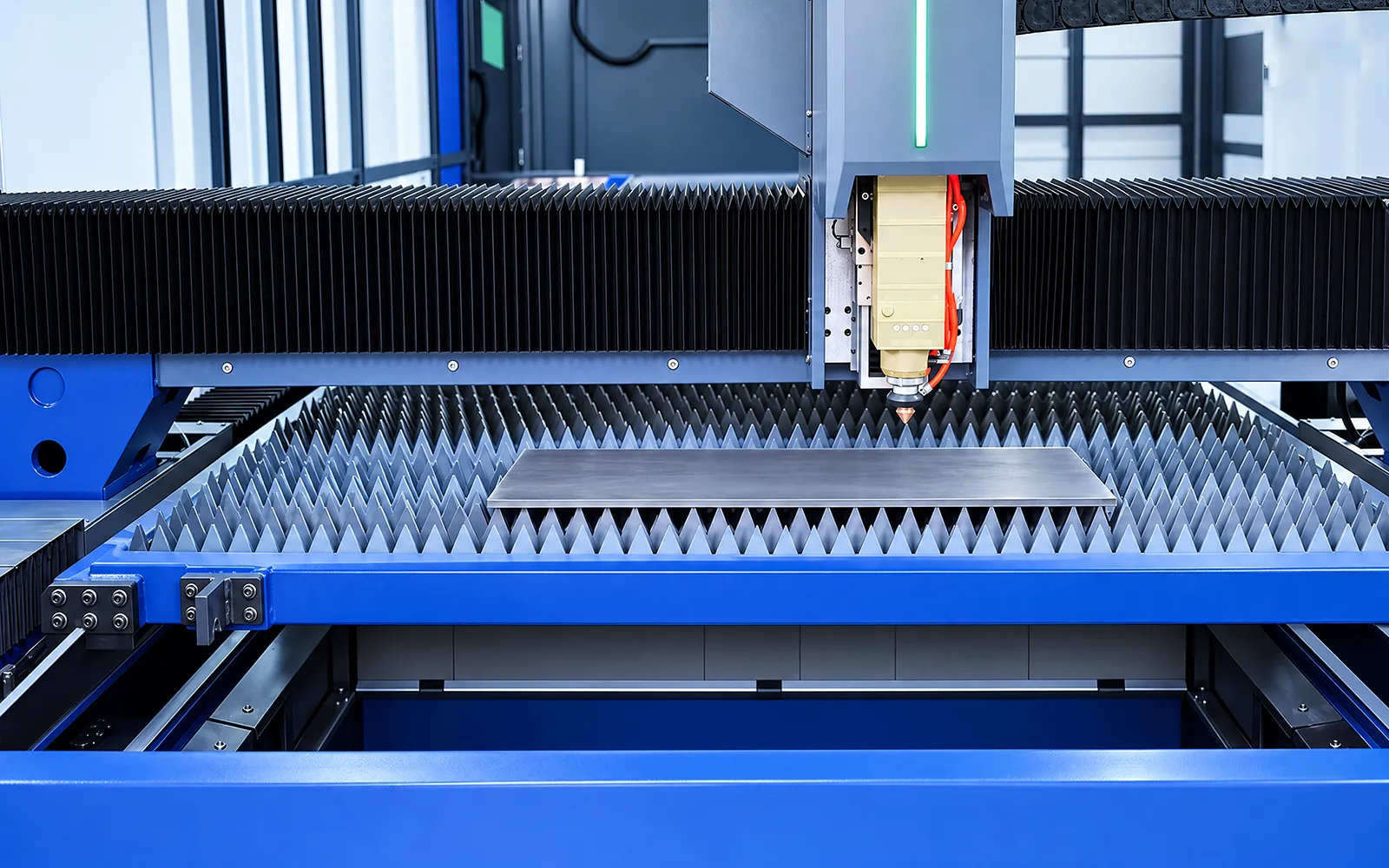
Sheet positioning
The exchange-table route uses sheet supports and references in the cutting area.
Match this route to the intended stock and review table movement and transfer clearances.
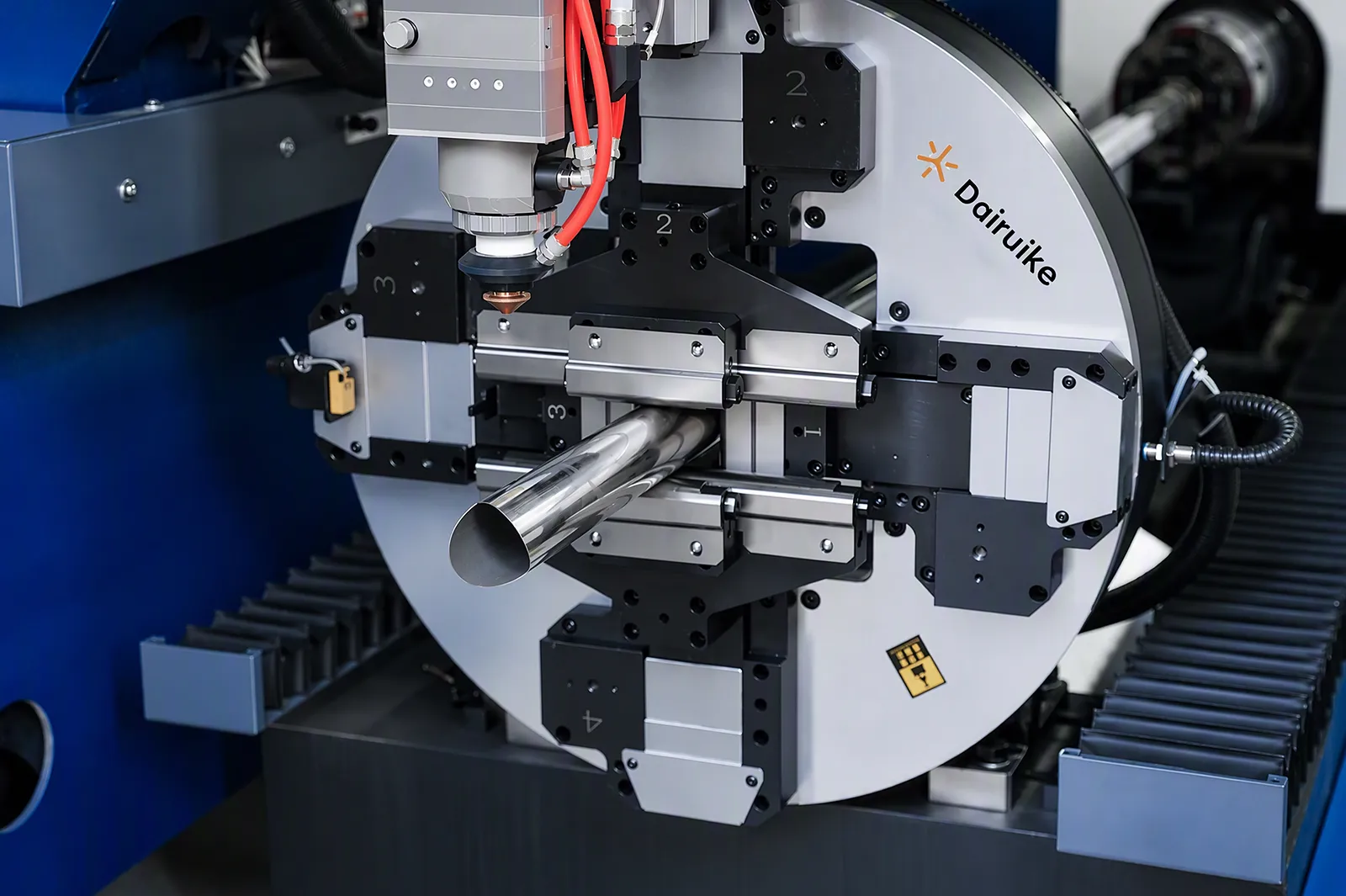
Tube positioning
The side tube module uses chuck geometry and tube supports to maintain the workpiece position.
Review stock, stability, tail length and access during clamping and rotation.
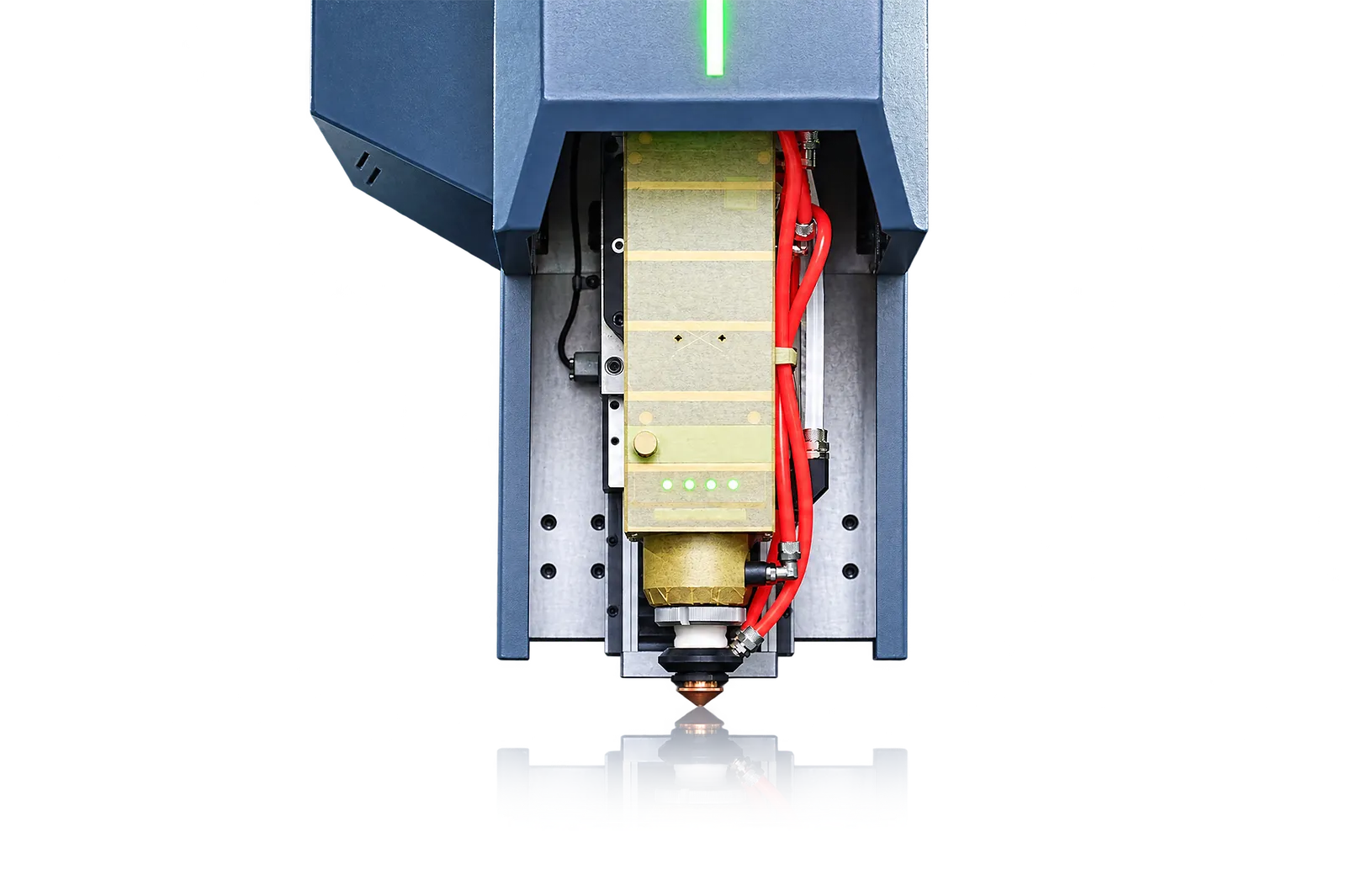
03
Linear, rotary and height motion coordinate the active cutting mode. The source and head work with focus, gas, cooling and extraction for the selected material.
Check power and head functions for both workflows. Cutting capability must be demonstrated for the intended sheet and tube jobs.
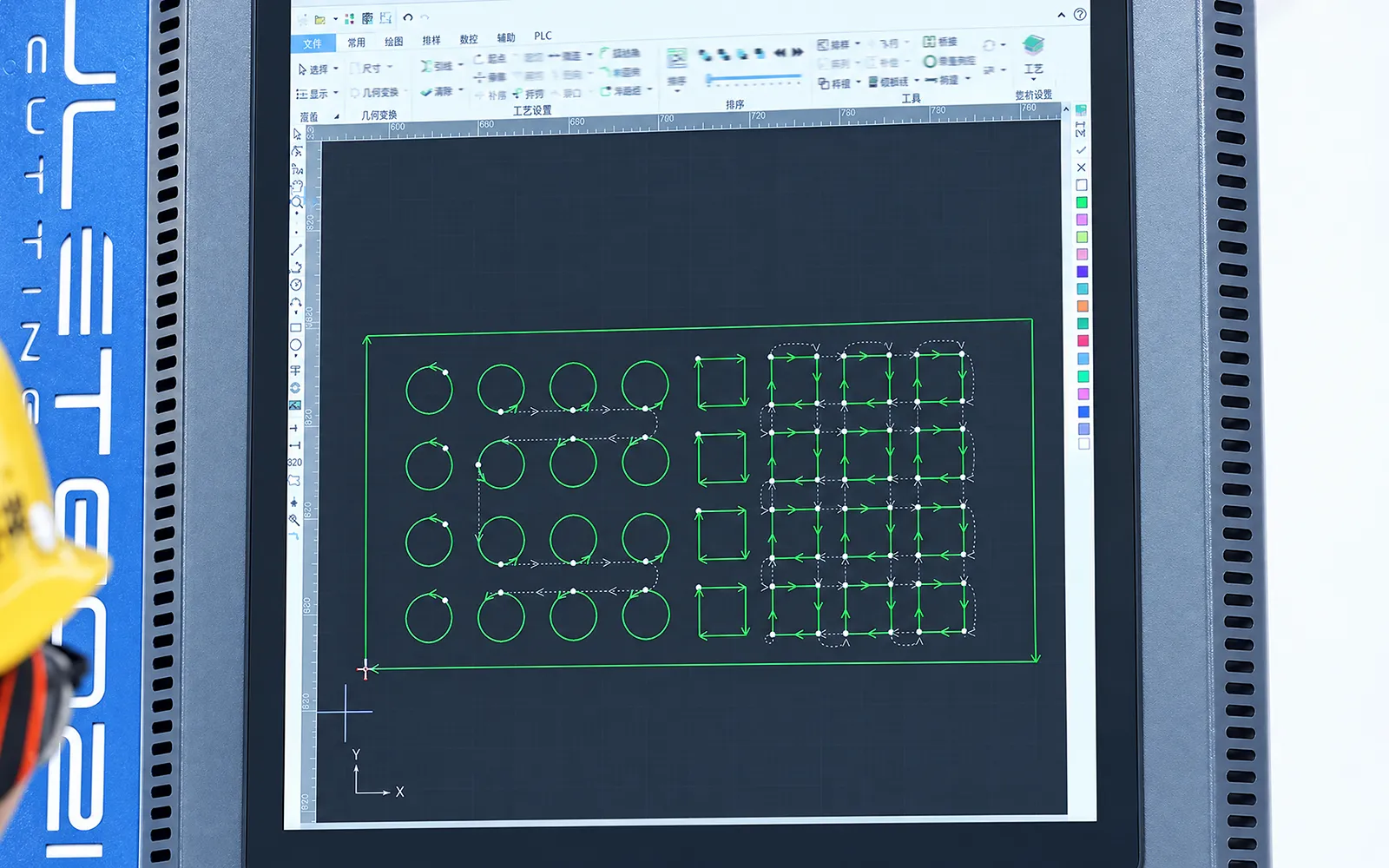
Sheet programming
The delivered control package provides the available sheet programming, simulation and collision checks.
Confirm the required software functions and program-transfer method for the sheet workflow.
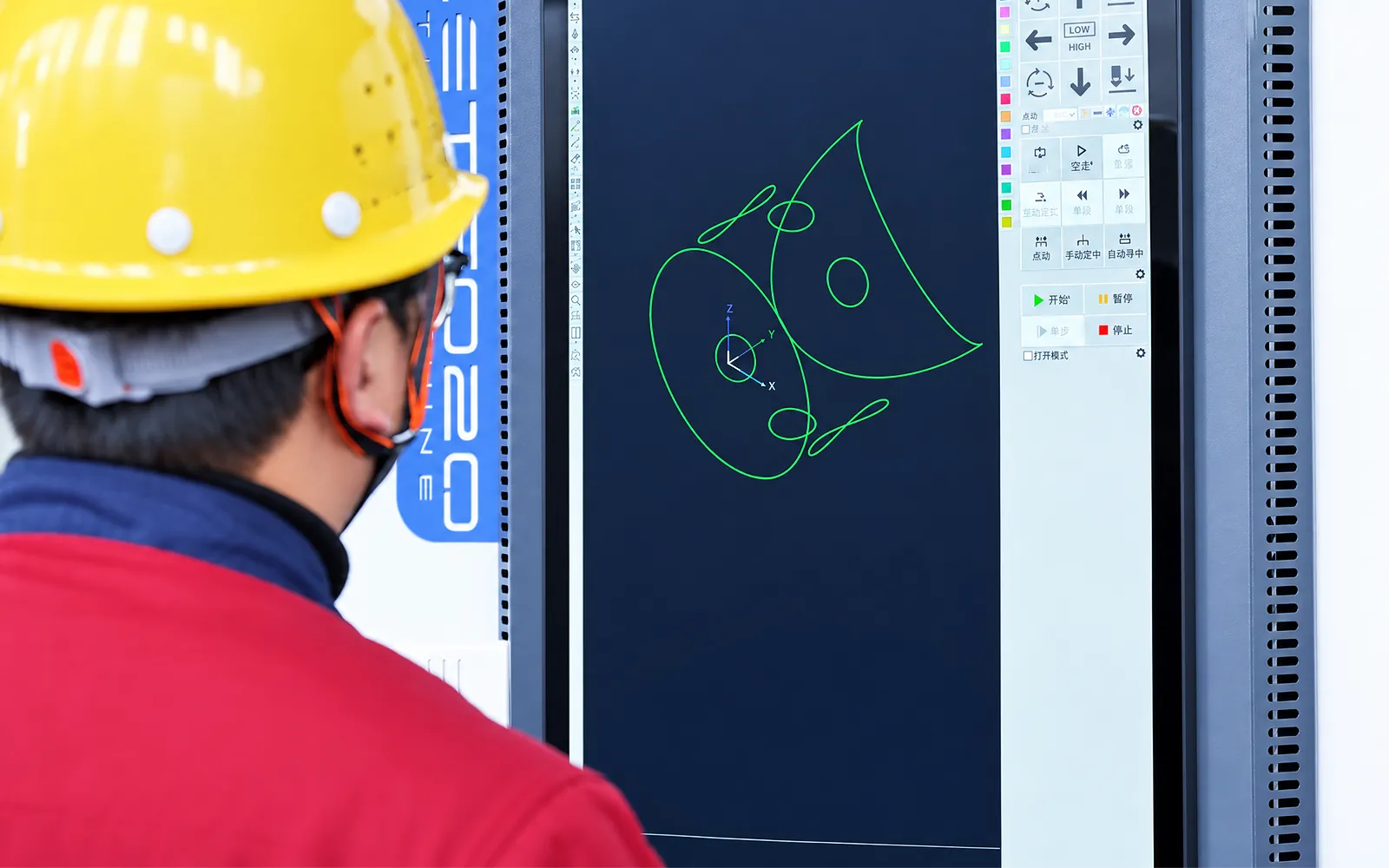
Tube programming
The configured tube software prepares programs for the profile route.
Review the available simulation and collision checks. Loaders, storage, sorting and production-data links require defined handshakes.
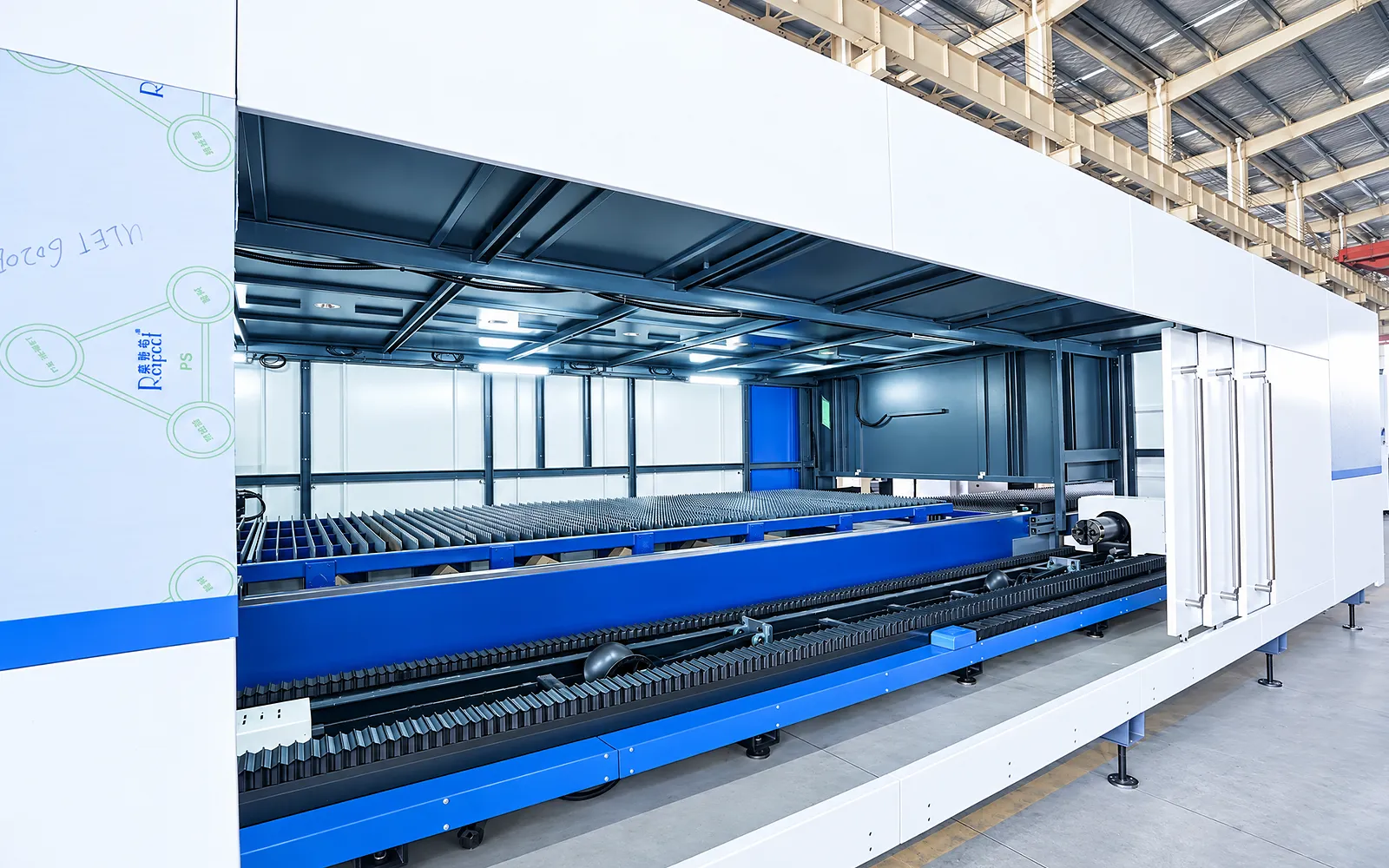
Loading access
Loading equipment and tube support must work around the enclosure.
Review stock weight, lifting access and operator positions in the site layout.
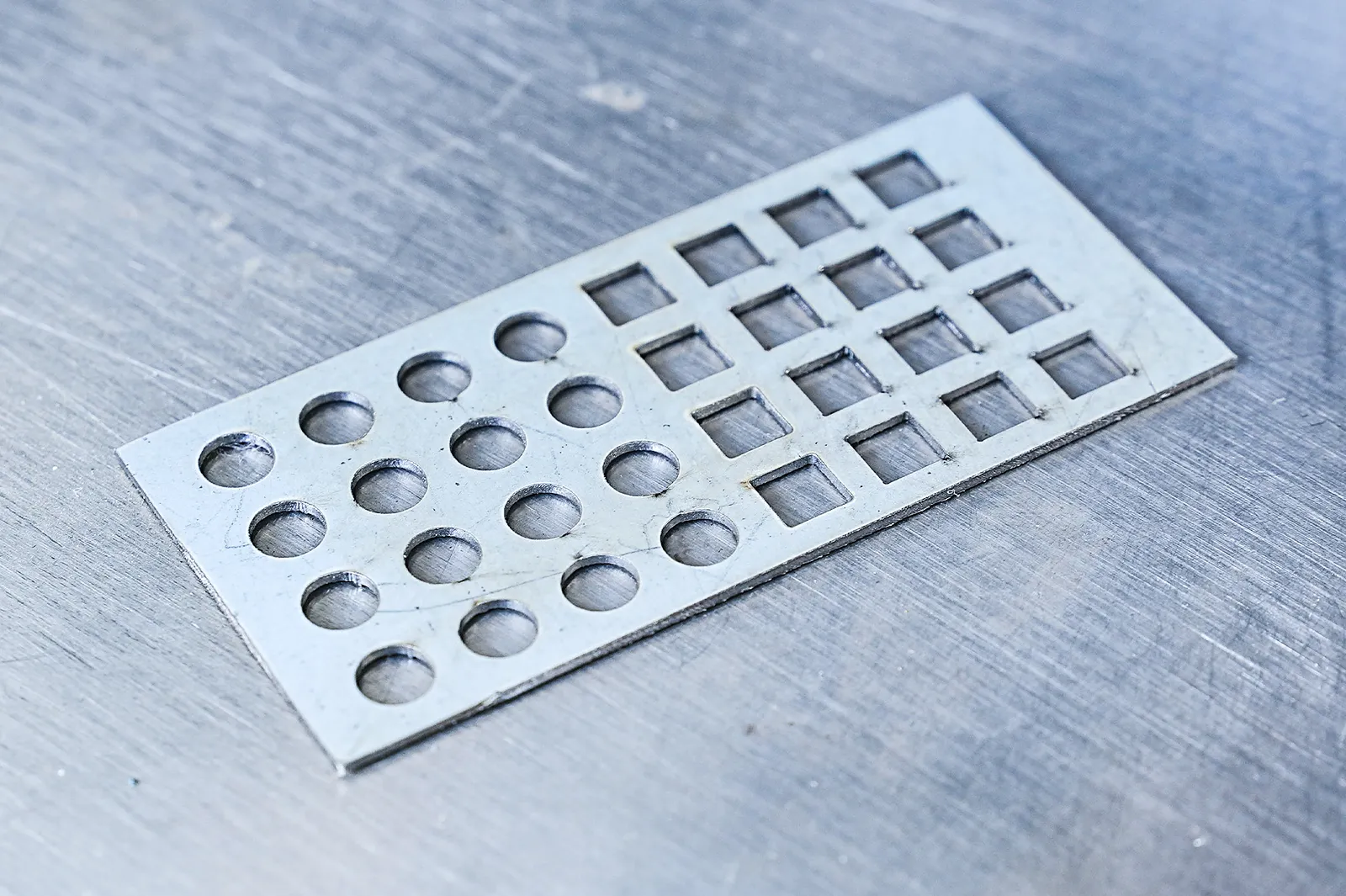
Finished-part access
Finished parts, long profiles and sheet remnants need a defined route out of the guarded area.
Allow for retrieval, extraction connections and maintenance access before installation.
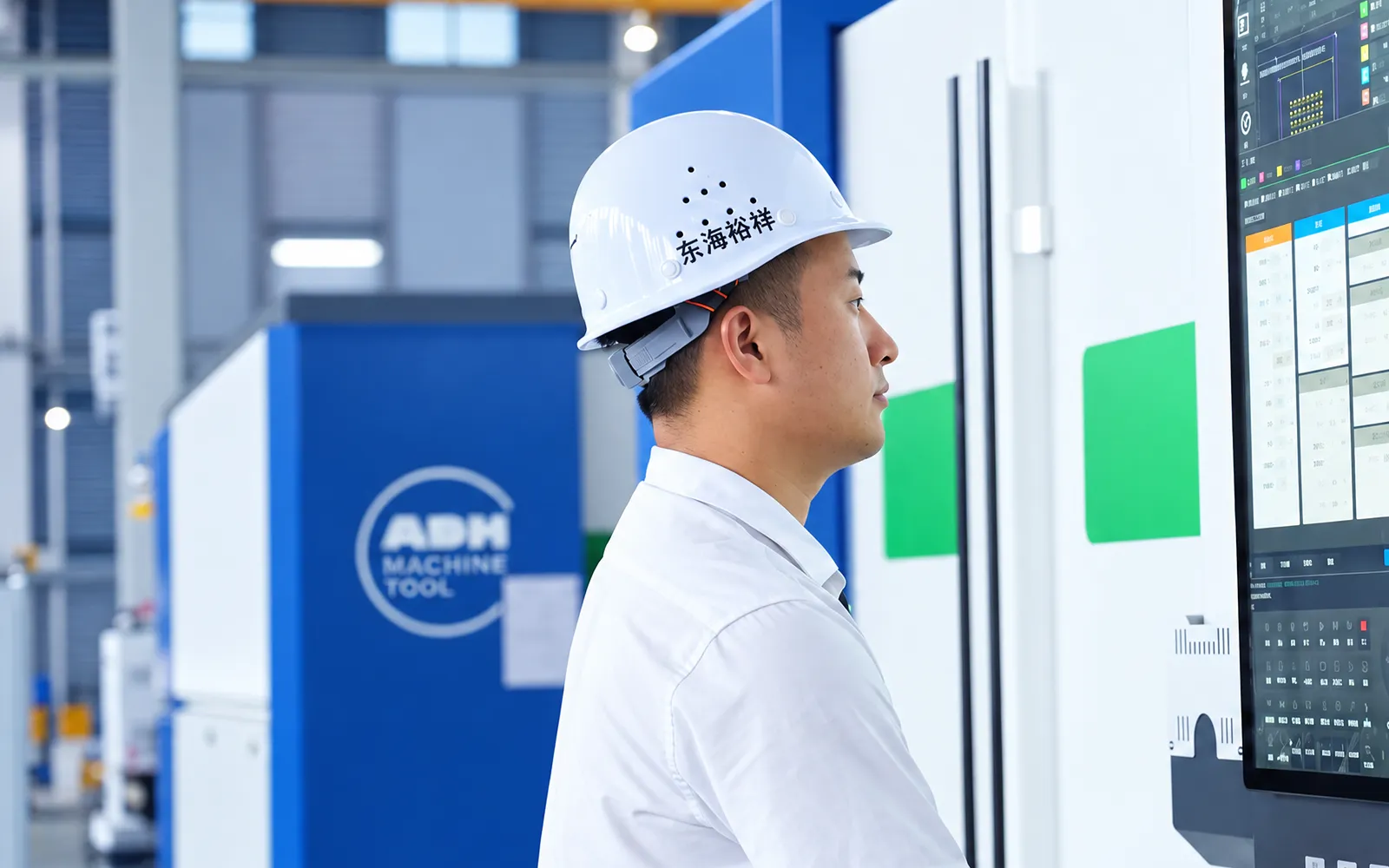
06
A sheet and tube trial exercises programming, positioning and cutting inside the configured work area. Inspect the result and review loading and retrieval.
Agree material, drawings, inspection criteria and the safeguards used for the trial. Include mode changes and the intended extraction arrangement.
Safety and model selection
Use the family summary for range, power, chuck and motion references; final glazing, access, extraction, loaders and certification remain configuration-specific.
Use the ULET summary for family-level working range, power, chuck, tube length, motion, precision, voltage and cooling only.
Glazing, access monitoring, loaders, supports, storage, sorting, extraction and MES are conditional.
Confirm model matrix, both samples, hazards, operator access and safety documents.
Related machines & selection
Through the machine lifecycle
Find the training, maintenance guidance and parts support your team needs. Services and availability are confirmed for your machine and location.
Before start-up
Prepare utilities, lifting and the installation area, then coordinate start-up and handover.
Review installation supportBefore production
Build the operator, programming and maintenance skills required for your delivered machine.
Explore trainingIn operation
Get support with the machine model, serial number and a clear description of the issue.
Request technical supportPlanned spares
Identify your machine and component so our team can check compatibility and availability.
Request service or partsSelf-service
Find video guidance for operating and maintaining your ADH machine. Check relevance to your model and configuration.
Browse support videosContract scope
Your quotation or contract defines included services, warranty, exclusions and responsibilities.
Review service scopeProject enquiry
Tell us what you want to make or improve. Technical details and drawings can follow.
Contact ADH
Name, email and a short description are enough to begin.