
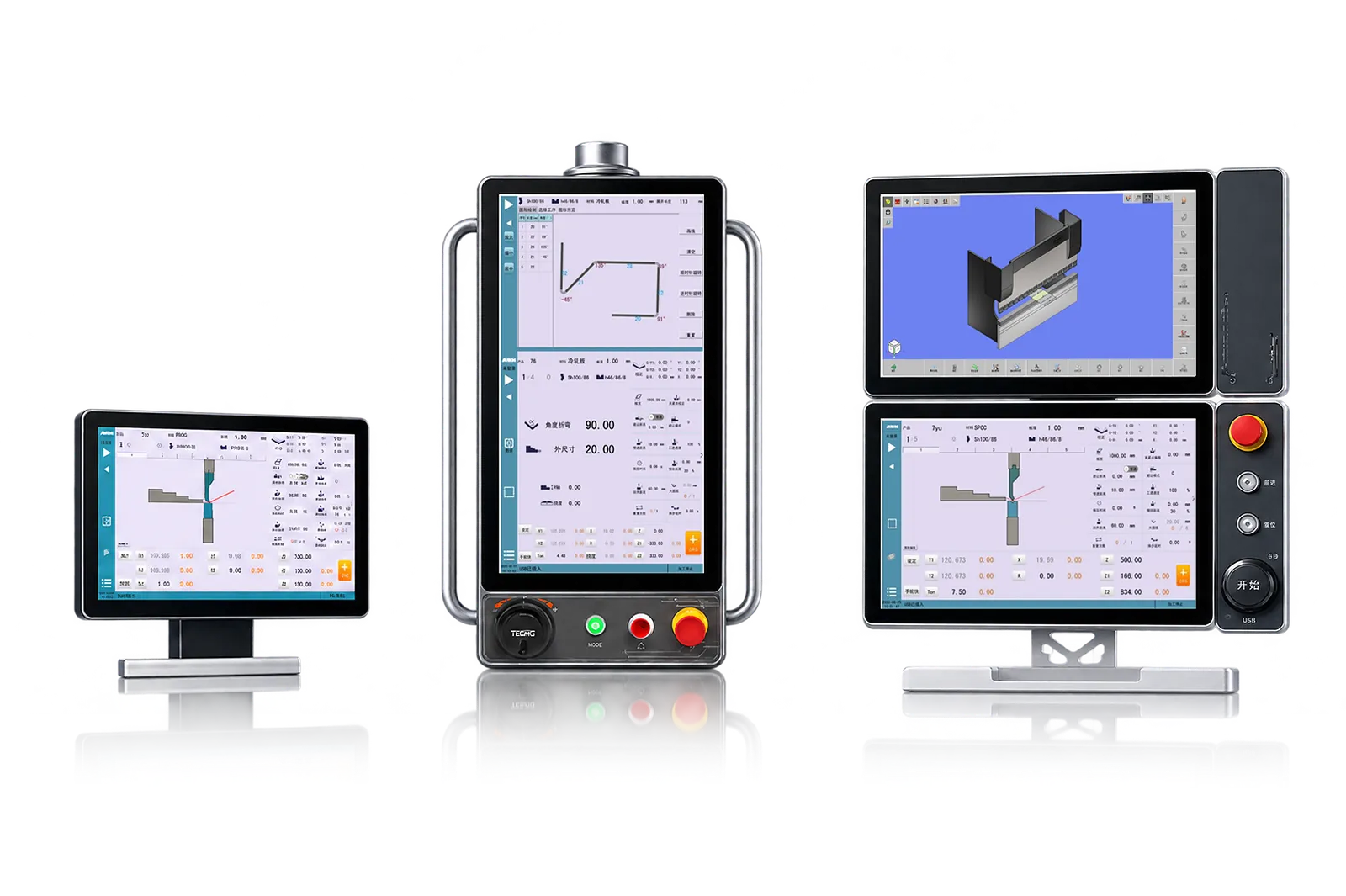
CONTROL
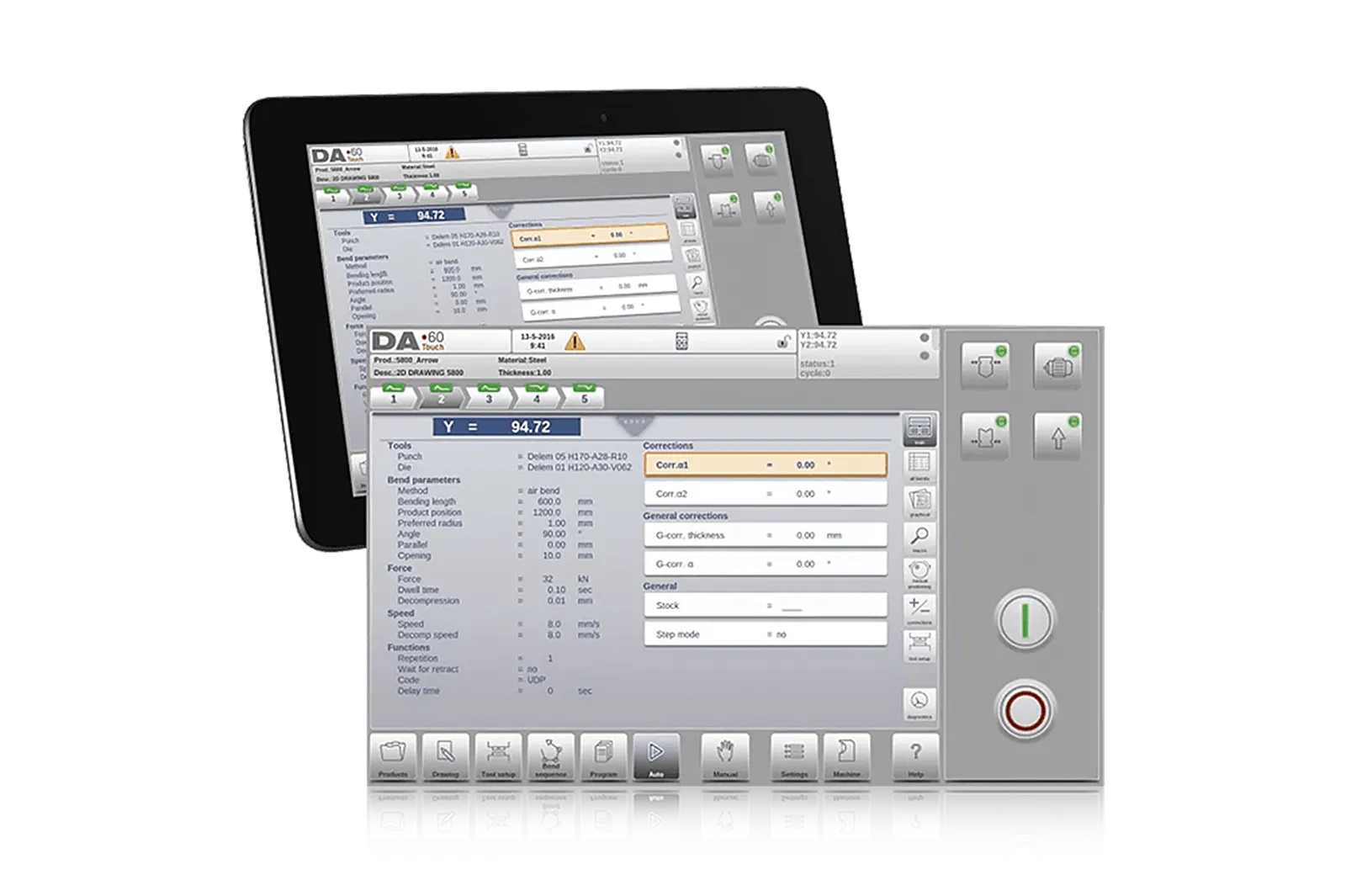
CNC Control
Match programming, axes and operator workflow to the machine and part mix.
Machine options
Extend your machine’s capabilities with controls, tooling, positioning, part support and automation options.
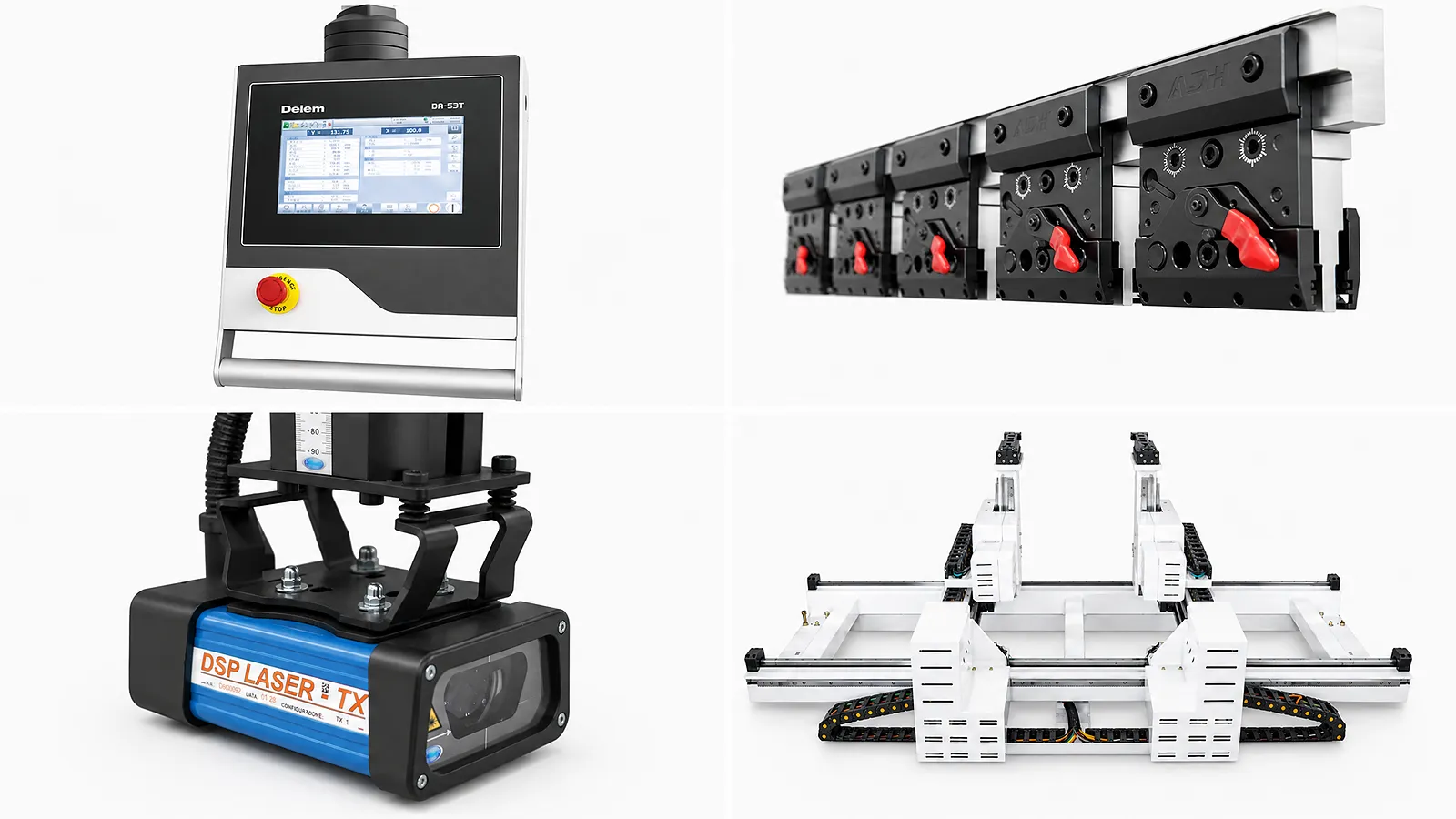
Choose the Function That Needs to Improve
Each option page explains the working principle, the information needed to select it and the checks required before installation.
CONTROL
Match programming, axes and operator workflow to the machine and part mix.
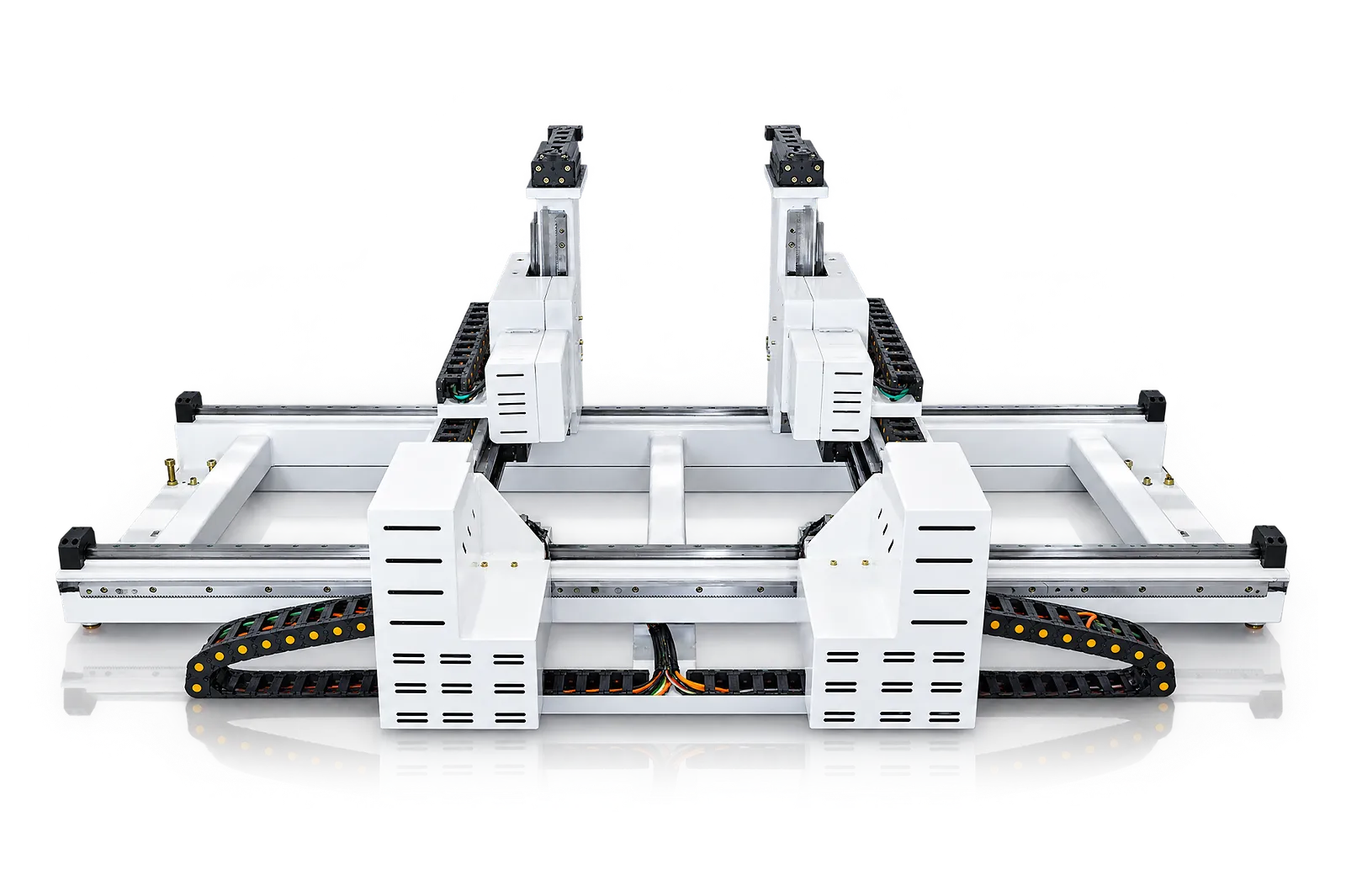
POSITIONING
Add the movements needed for the bend sequence, subject to controller, space and drive compatibility.
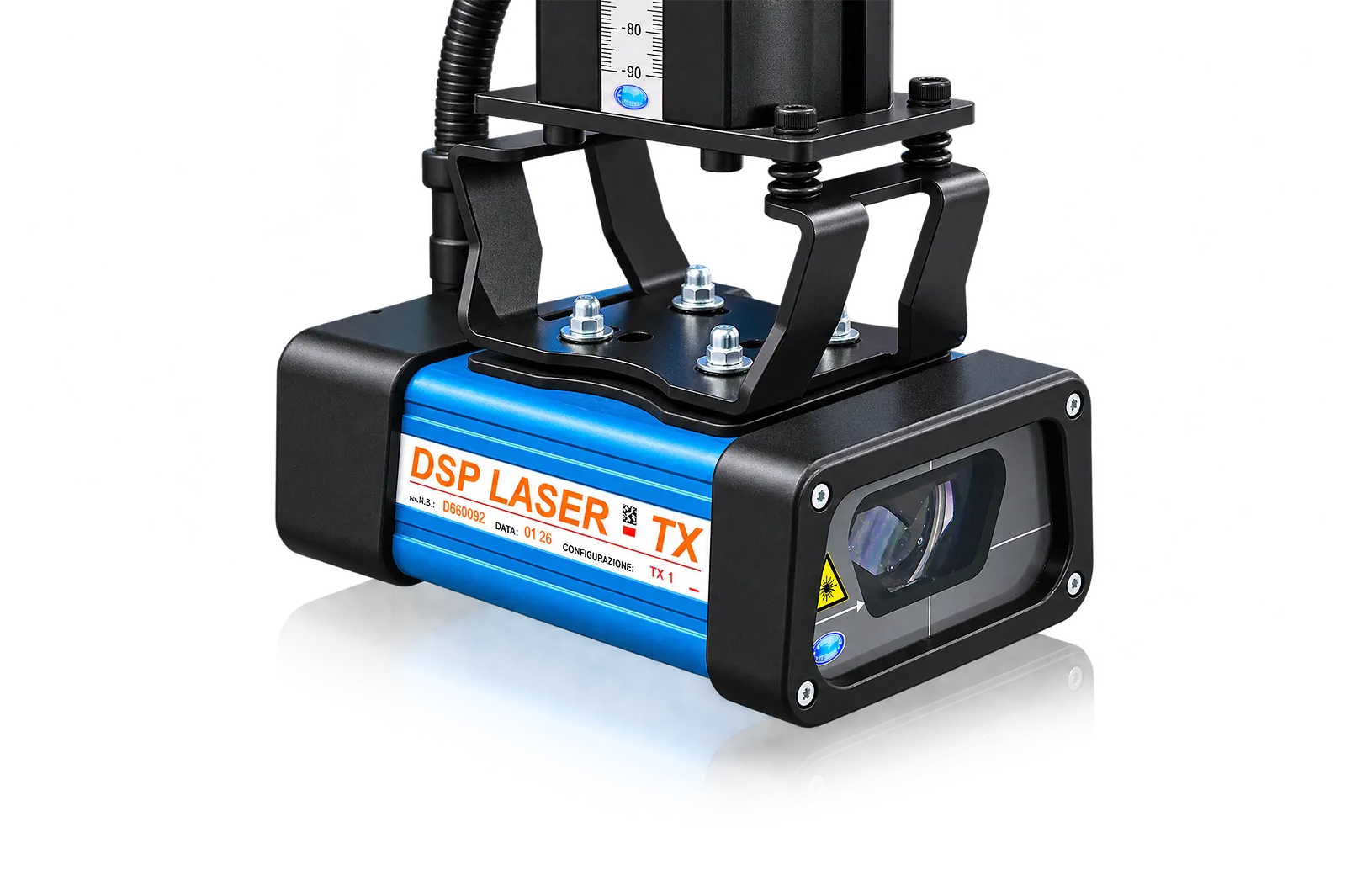
SAFEGUARDING
Connect detection, stopping and machine control around the tool area and operator access.
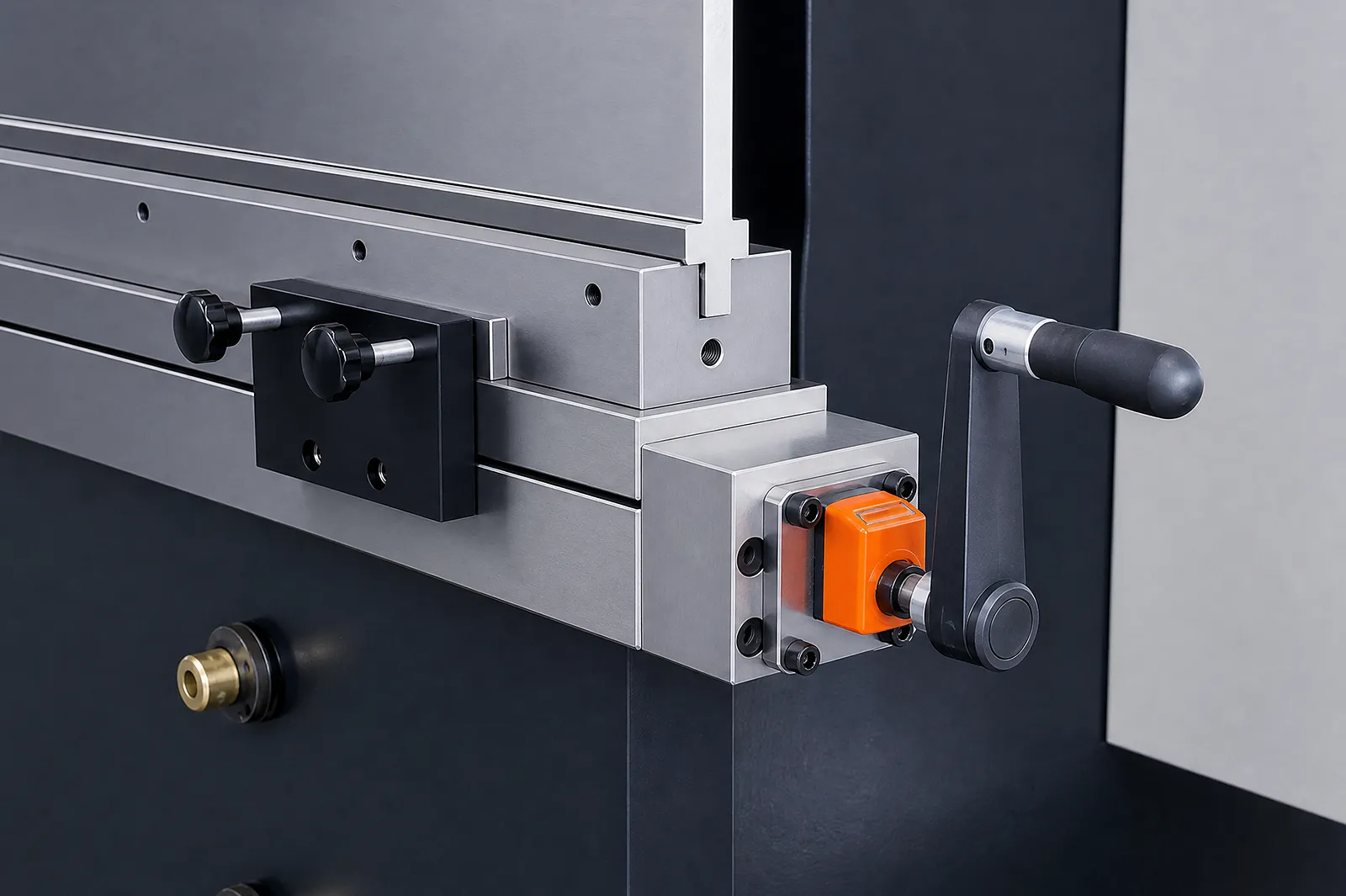
COMPENSATION
Control deflection across the bend length with a method matched to the bed, tooling and controller.
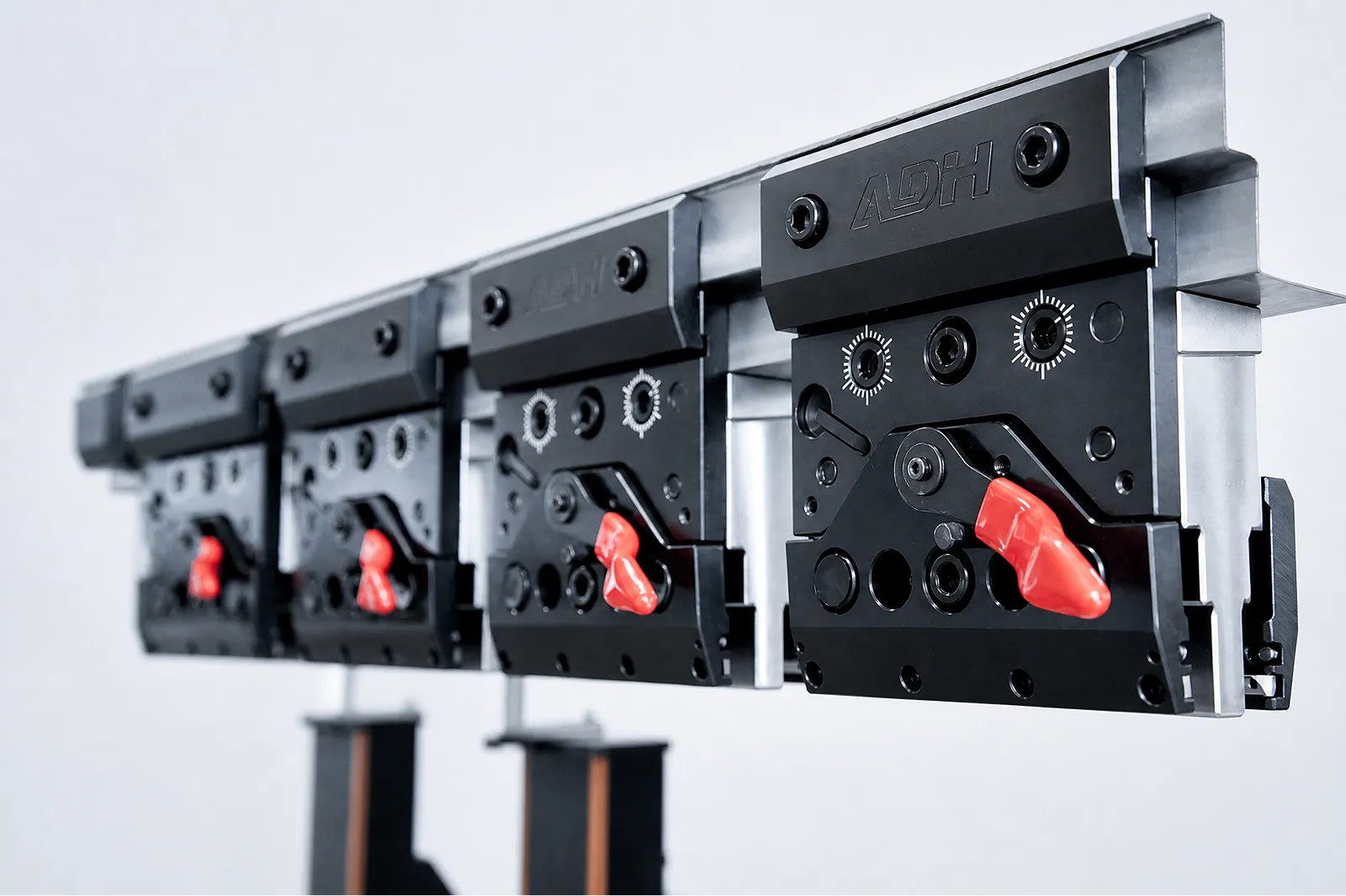
TOOLING
Choose the holder and loading method around the tool standard and changeover task.
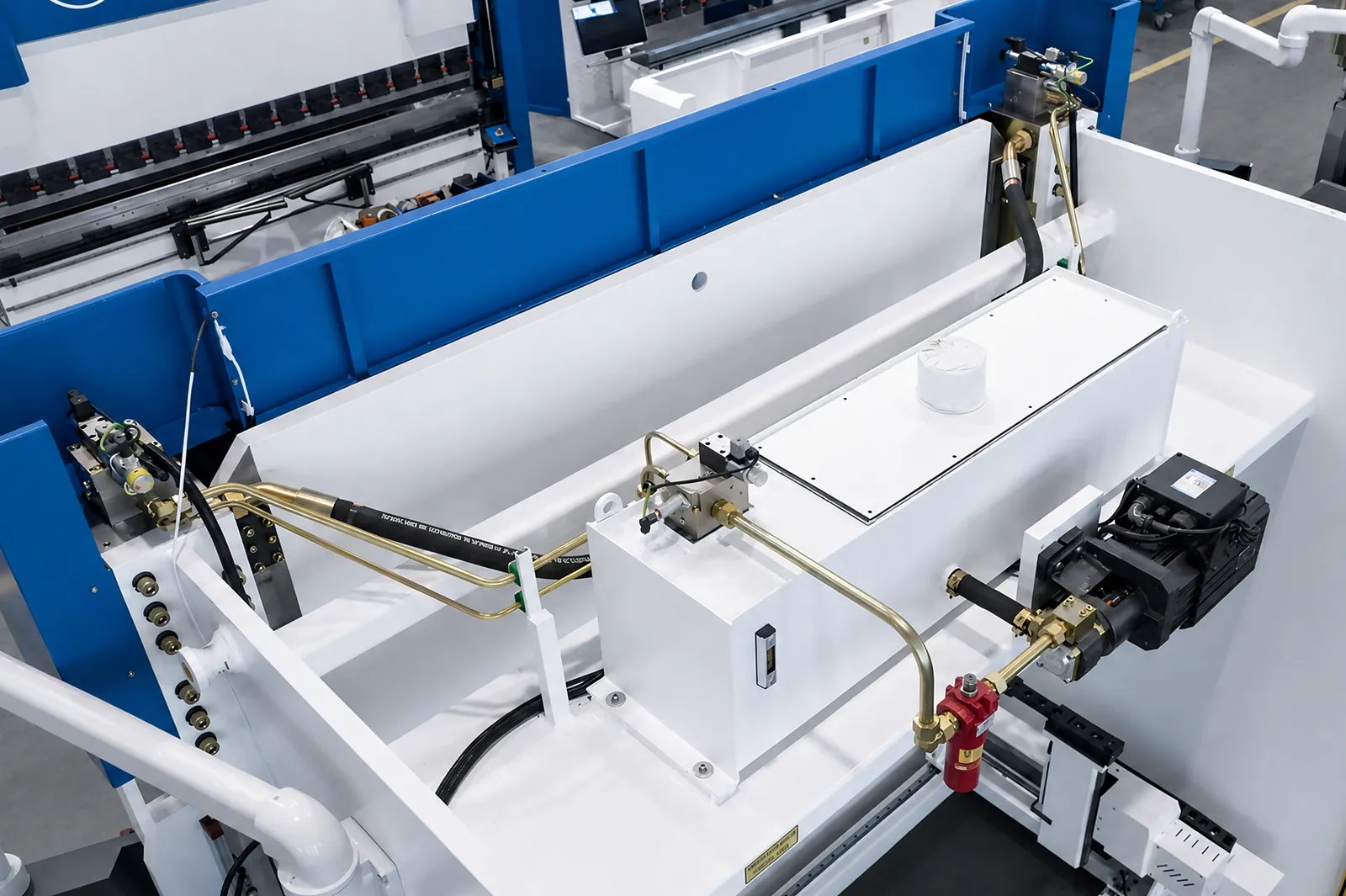
DRIVE
Compare drive architectures under the same load, cycle and site conditions.
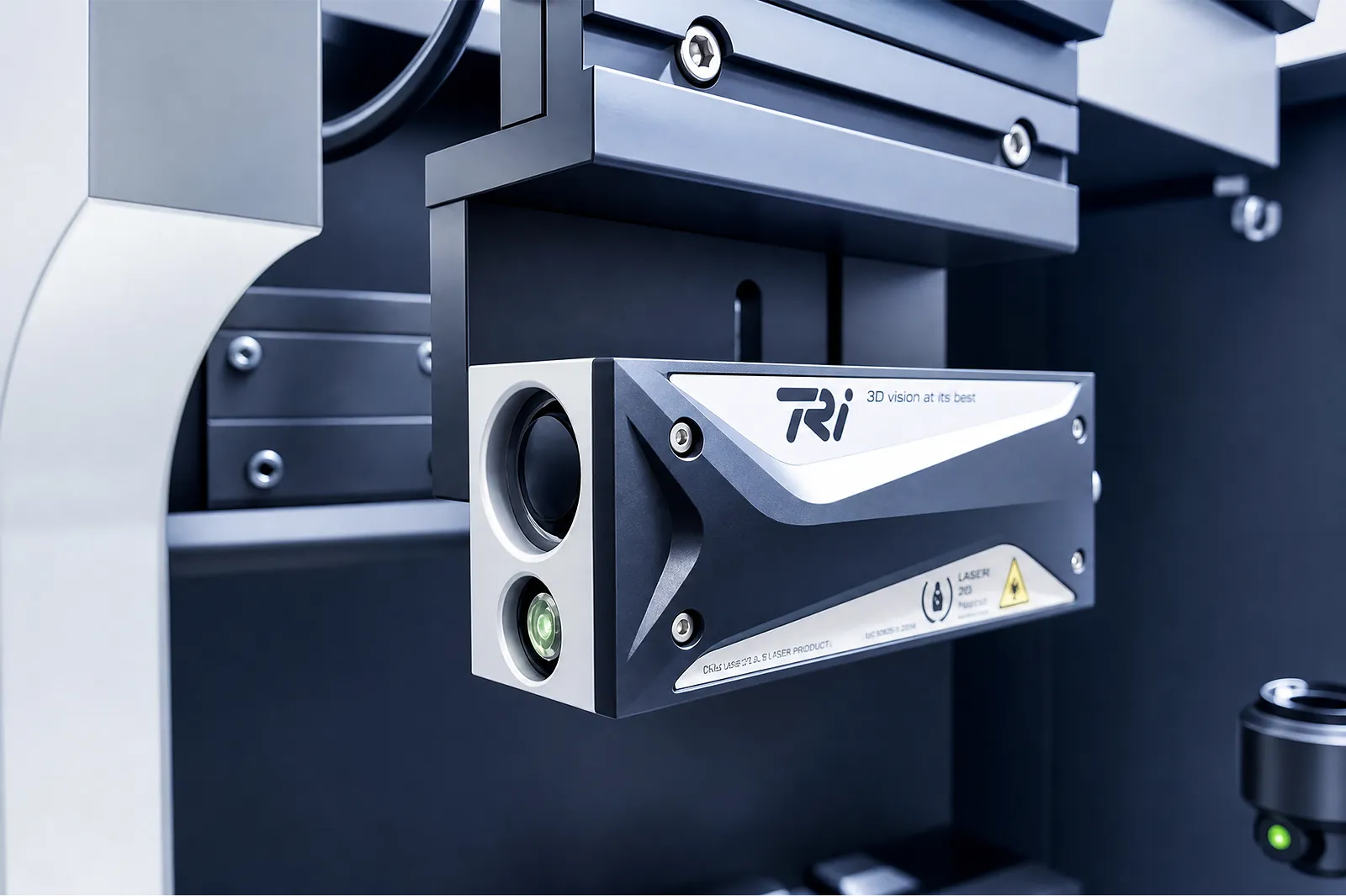
QUALITY
Connect measurement to correction and a defined angle check.
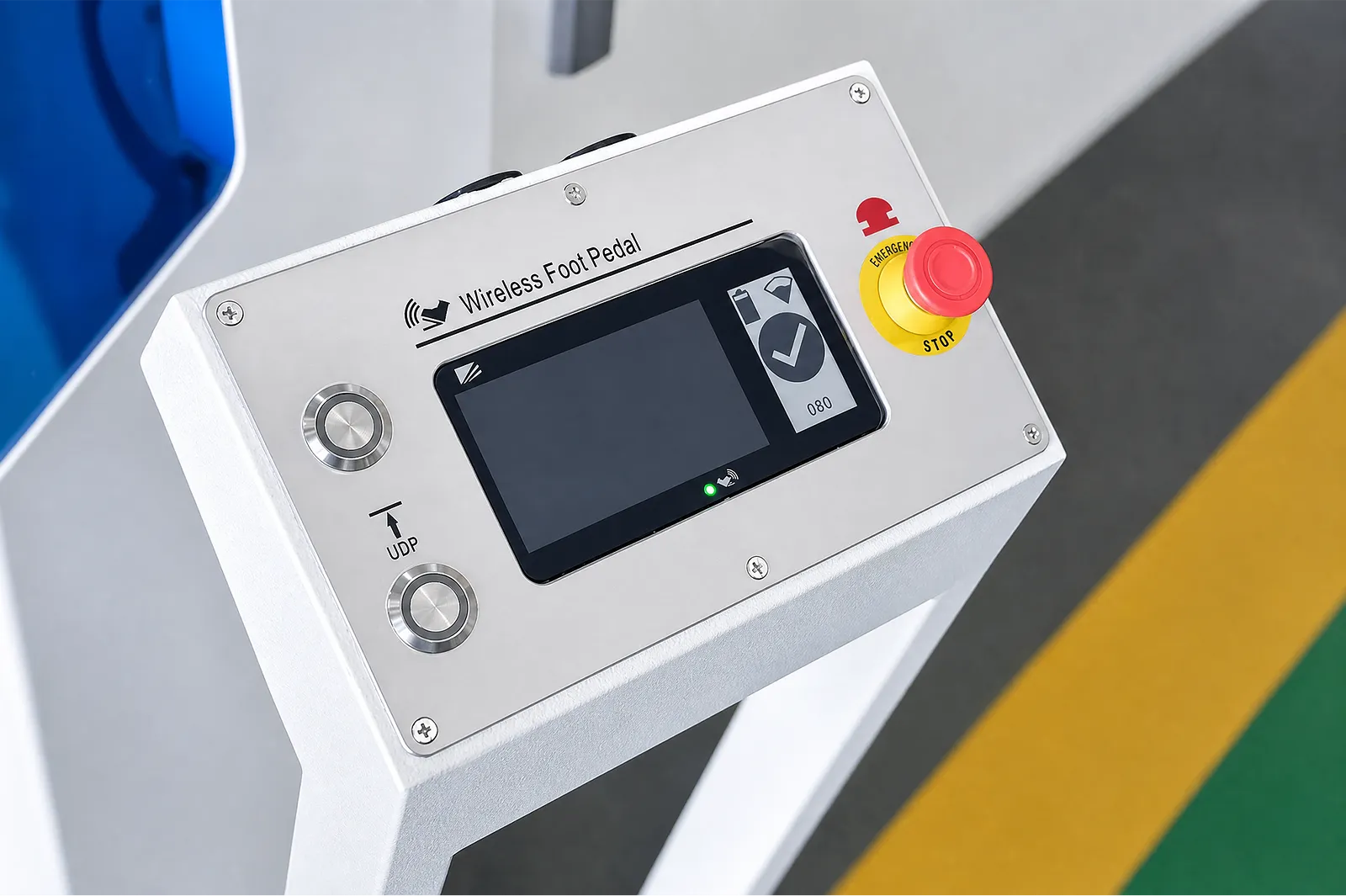
CONTROL
Coordinate the pedal, communication, monitoring and safety functions around the work area.
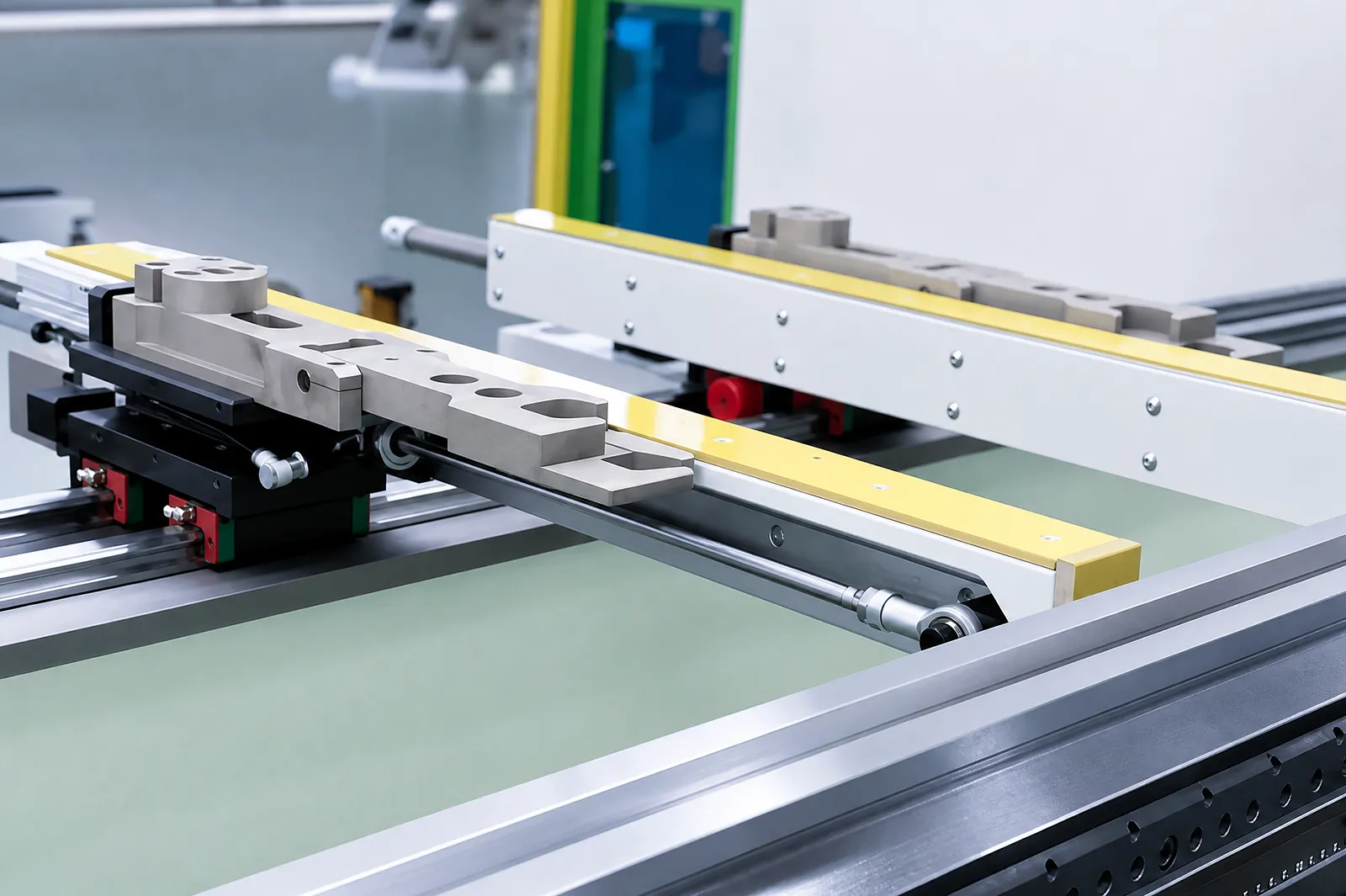
POSITIONING
Locate the part accurately with fingers matched to the backgauge and workpiece.
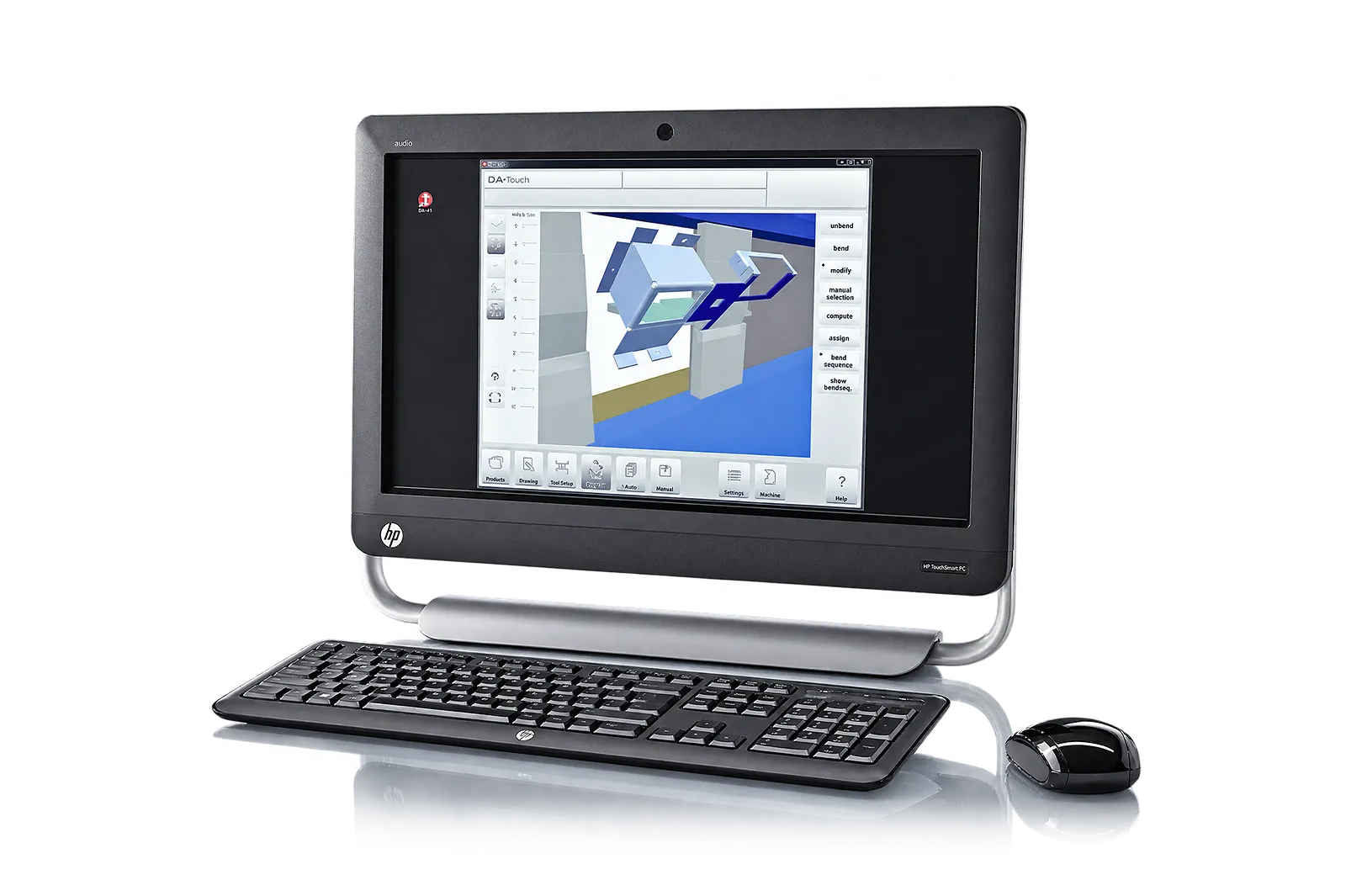
PROGRAMMING
Move CAD and bend data into a machine-ready program when the formats and controller support it.
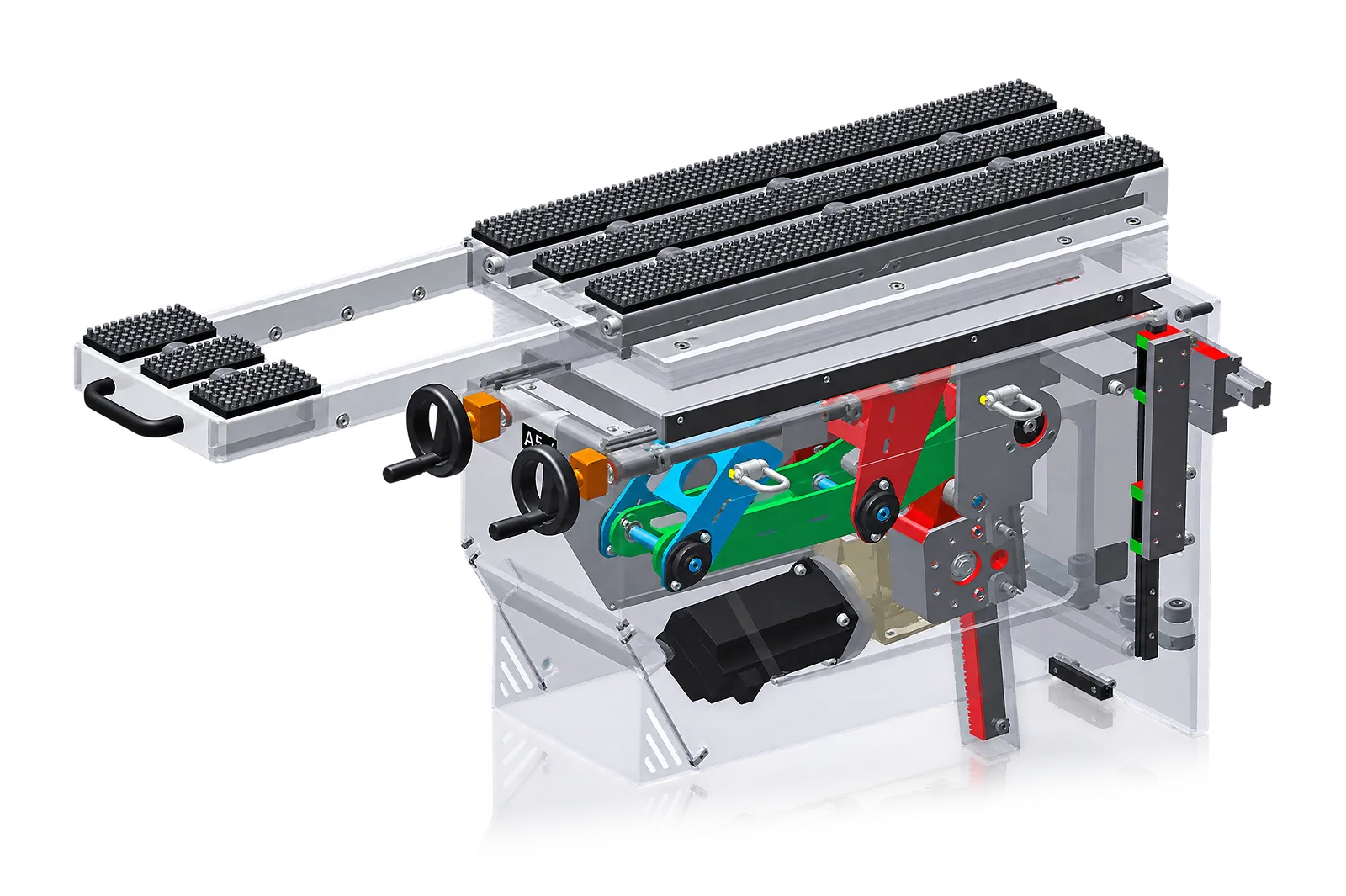
HANDLING
Support large or flexible sheets through the bend cycle when load, movement and space permit.
CONNECTIVITY
Connect orders, machine signals and production status through agreed interfaces.
Related equipment
Compare machines, then confirm controls, positioning, handling, safeguarding and drive options in the quotation.
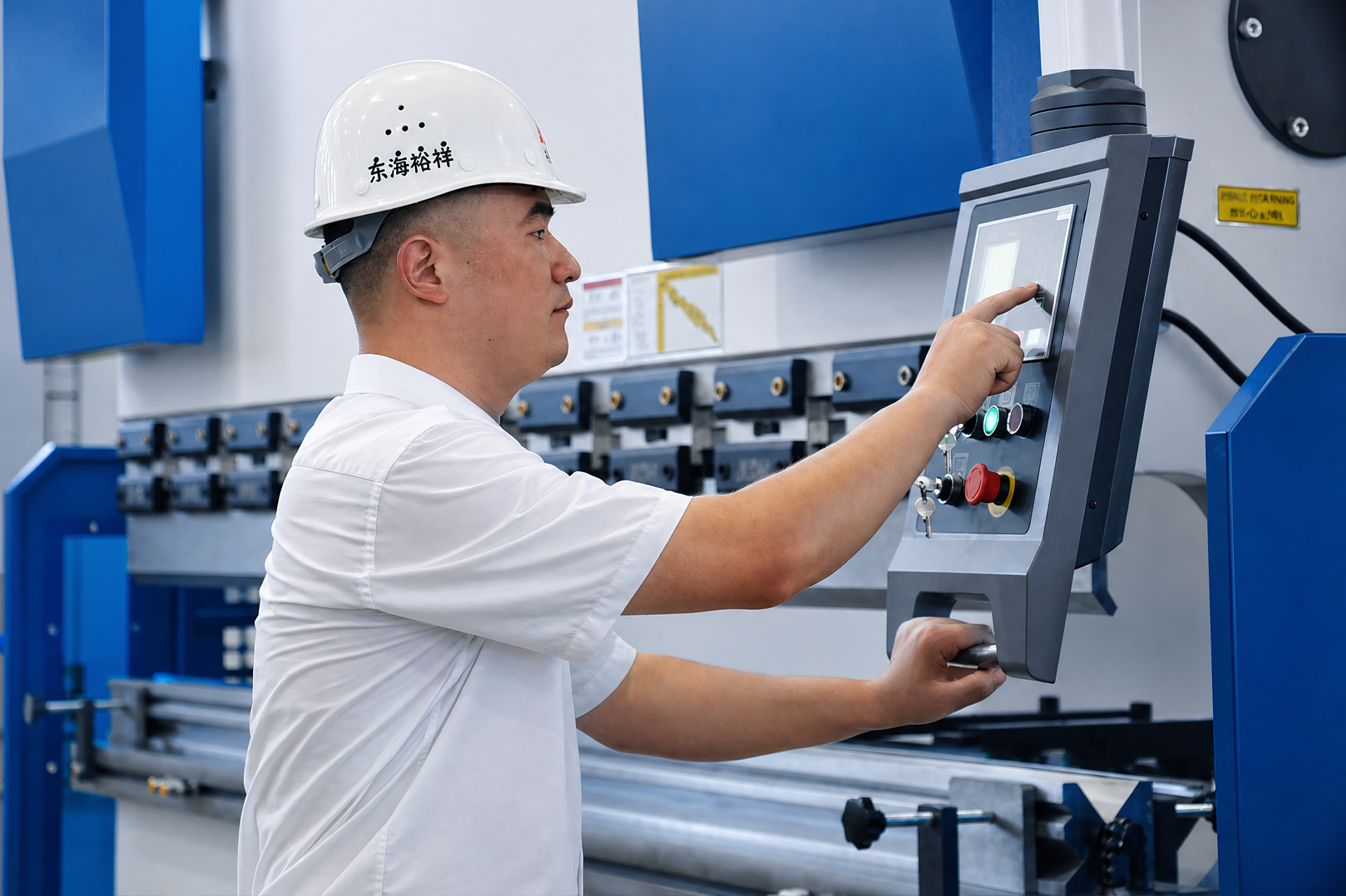
01 / CONTROL
Compare controls, offline programming and machine connectivity.
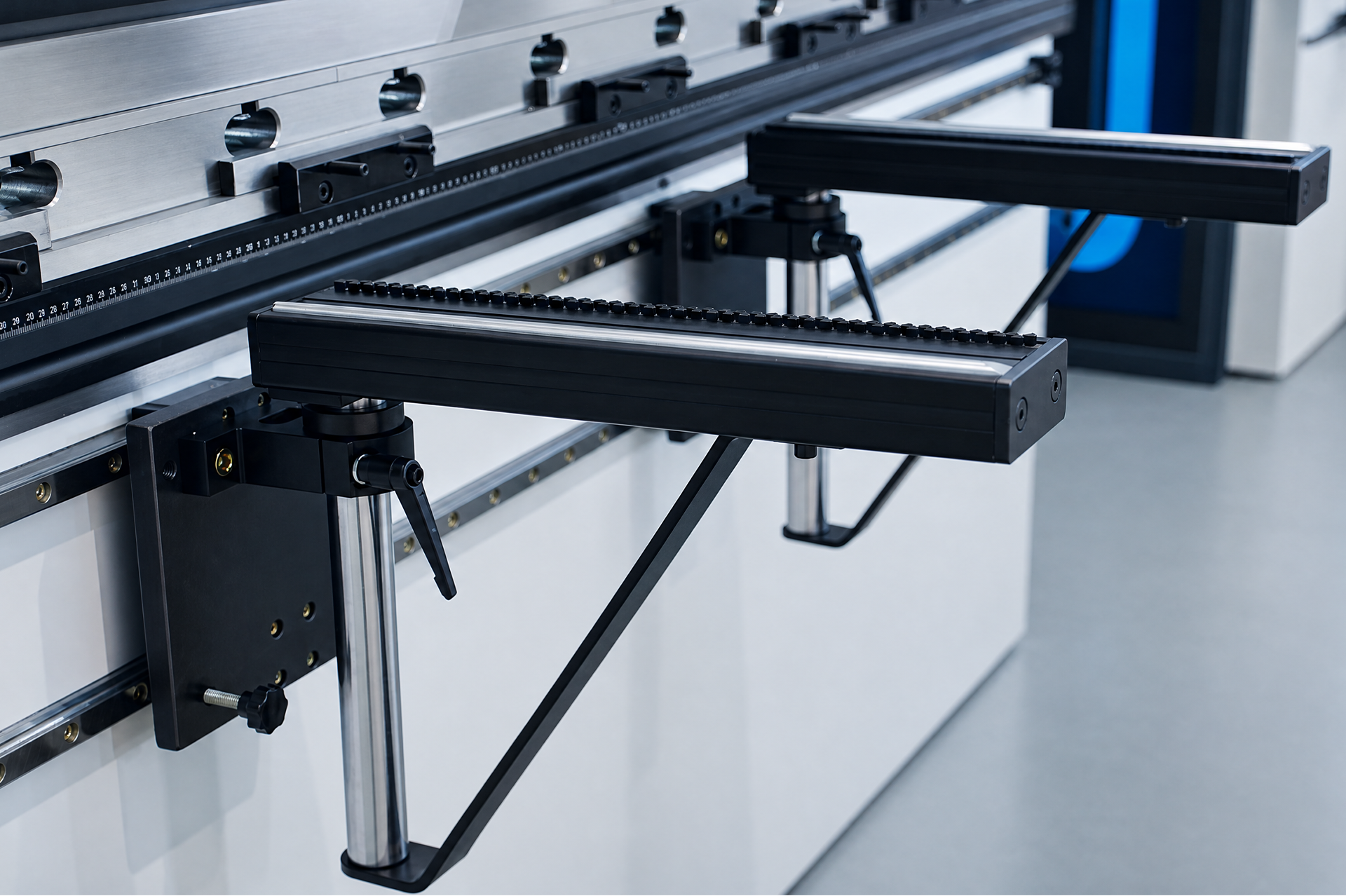
02 / ACCURACY
Explore backgauge, crowning and angle-measurement options for your parts.
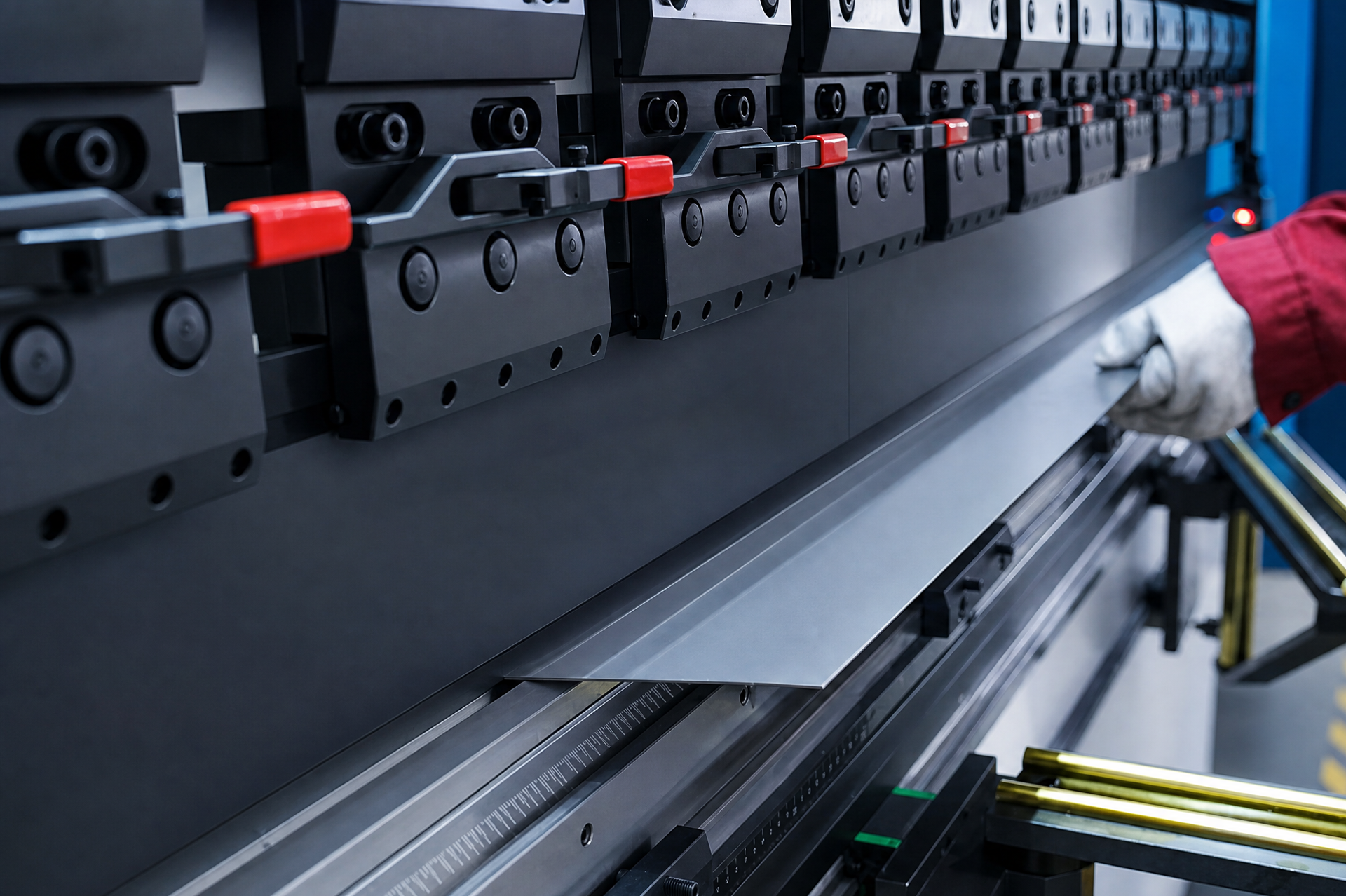
03 / HANDLING
Plan tool changes, part support and operator controls around the bend sequence.
04 / SAFETY & DRIVE
Check safeguarding and drive options for compatibility with your machine and process.
Project enquiry
Tell us what you want to make or improve. Technical details and drawings can follow.
Contact ADH
Name, email and a short description are enough to begin.